SubjectHub
A teaching and assessment platform for secondary schools. Questions, lessons, marking and tracking for Computer Science, Business, Economics, Creative iMedia and KS3 Computing.
SubjectHub in numbers
subjecthub.co.uk- UK schools
- 100+
- student accounts
- 4,000+
- answers marked
- 250,000+
- exam-style questions
- 9,000+
- question types
- 78
- Studios: full apps pupils make things in
- 20
- live game modes
- 21
Questions
Questions that work like the exam
Exam questions aren't all multiple choice, so SubjectHub's aren't either. Pupils write and run real code, query a real database, build circuits, trace algorithms, draw entity relationship diagrams, program a Turing machine, plan a storyboard. There are 78 question types, and every one marks the way the mark scheme does.
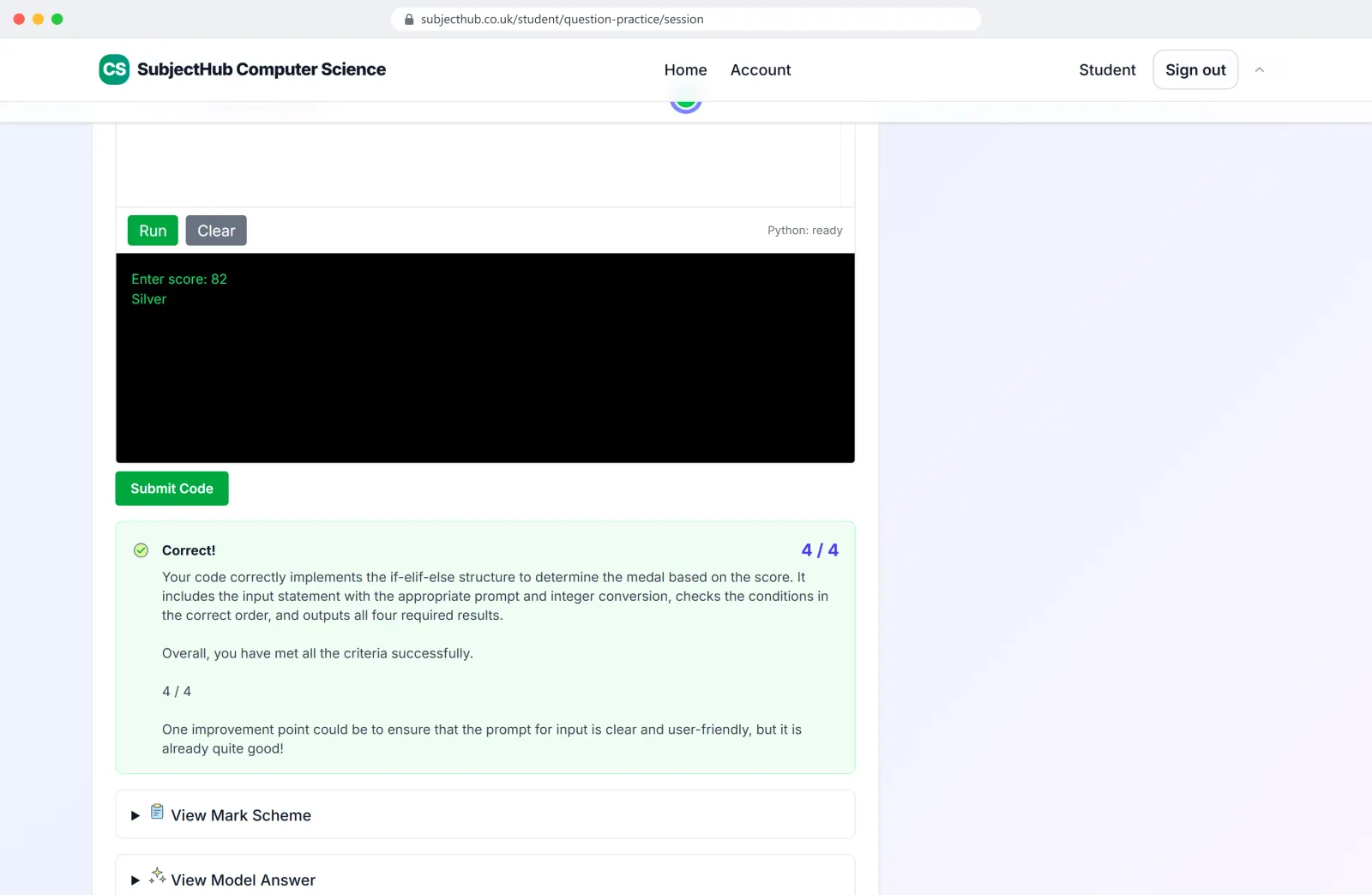
Python answers are run, then marked against the mark scheme. 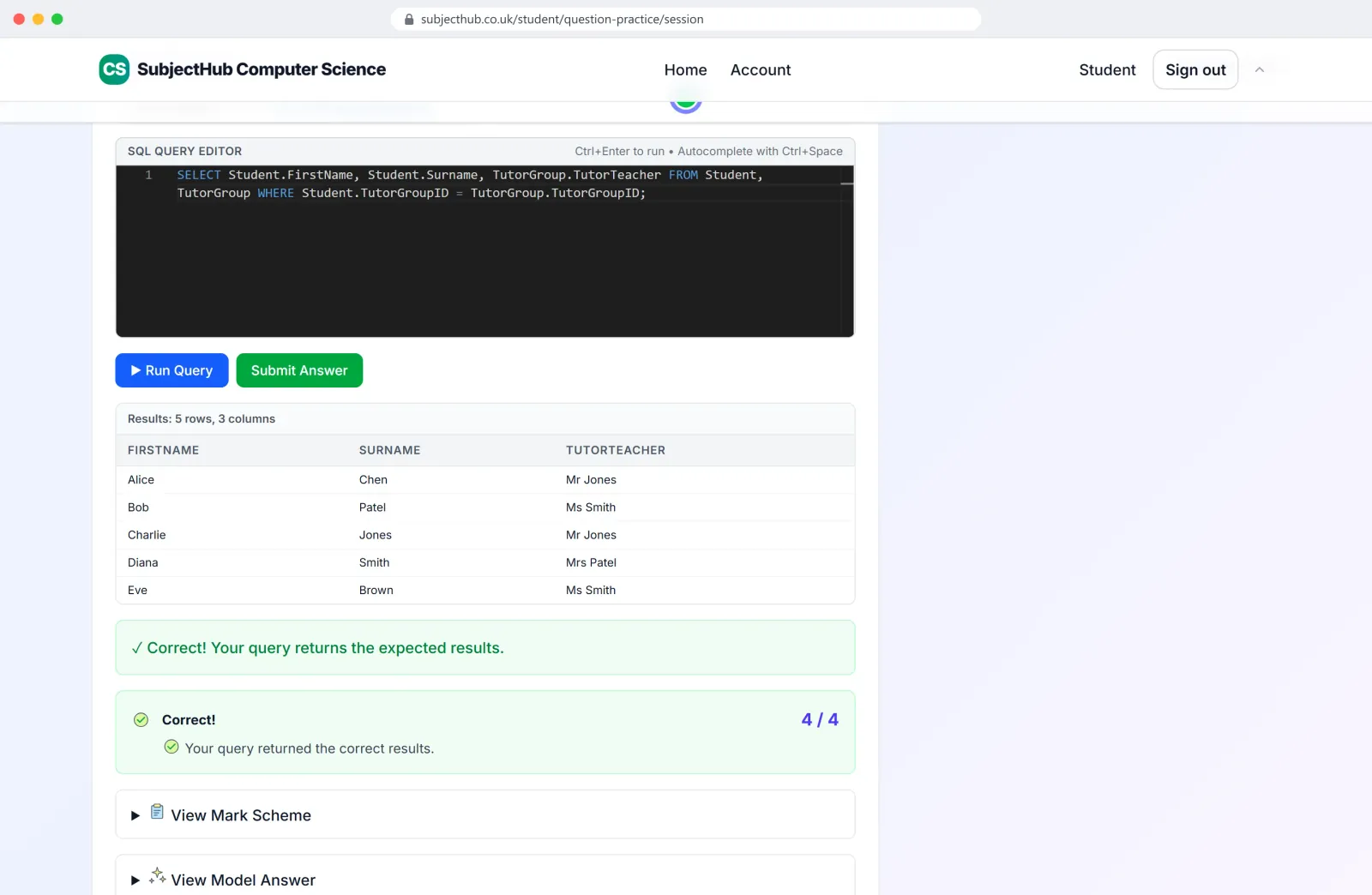
SQL runs against a real database and is marked by what it returns. 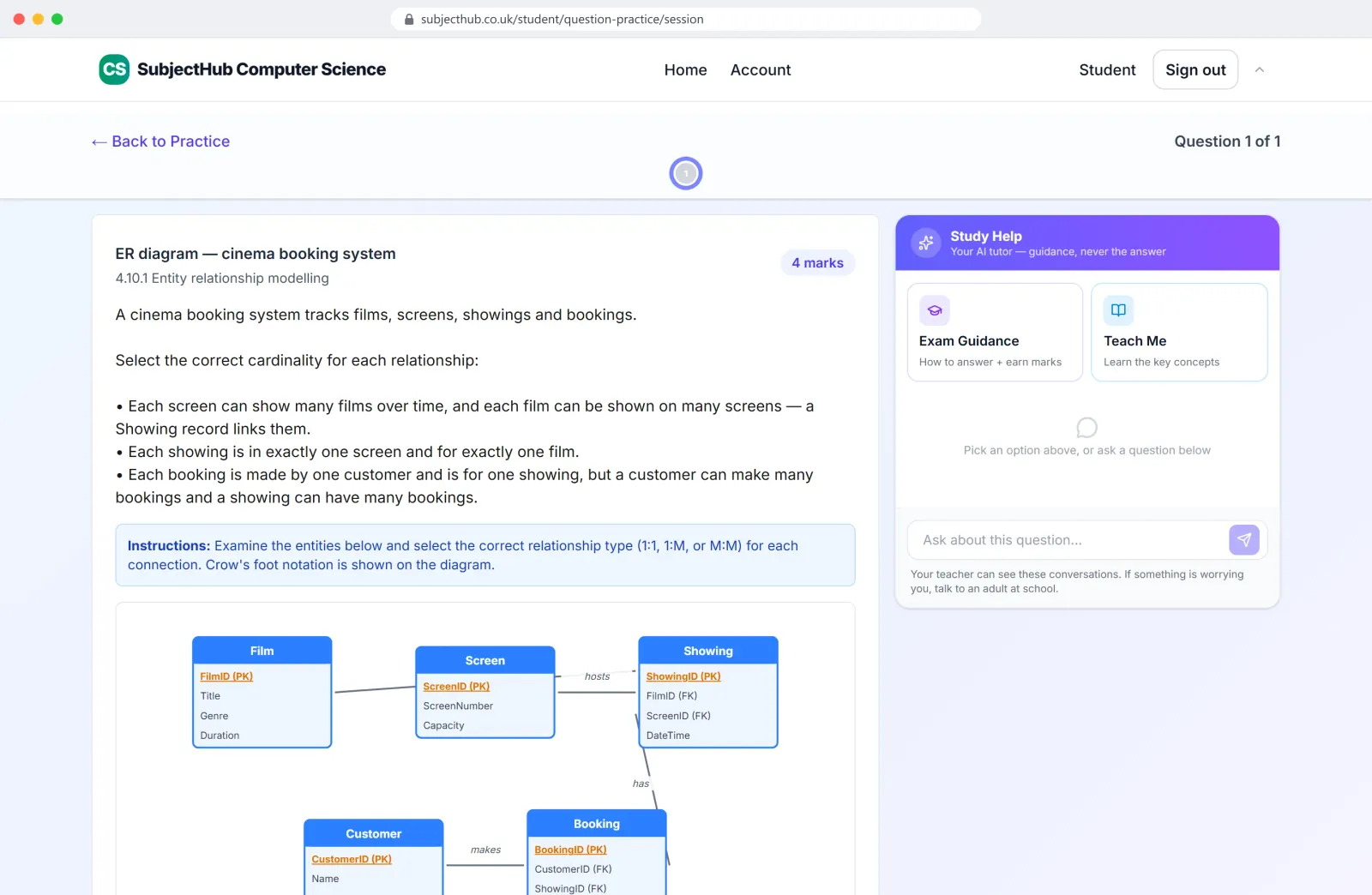
Entity relationship diagrams with crow's foot notation. 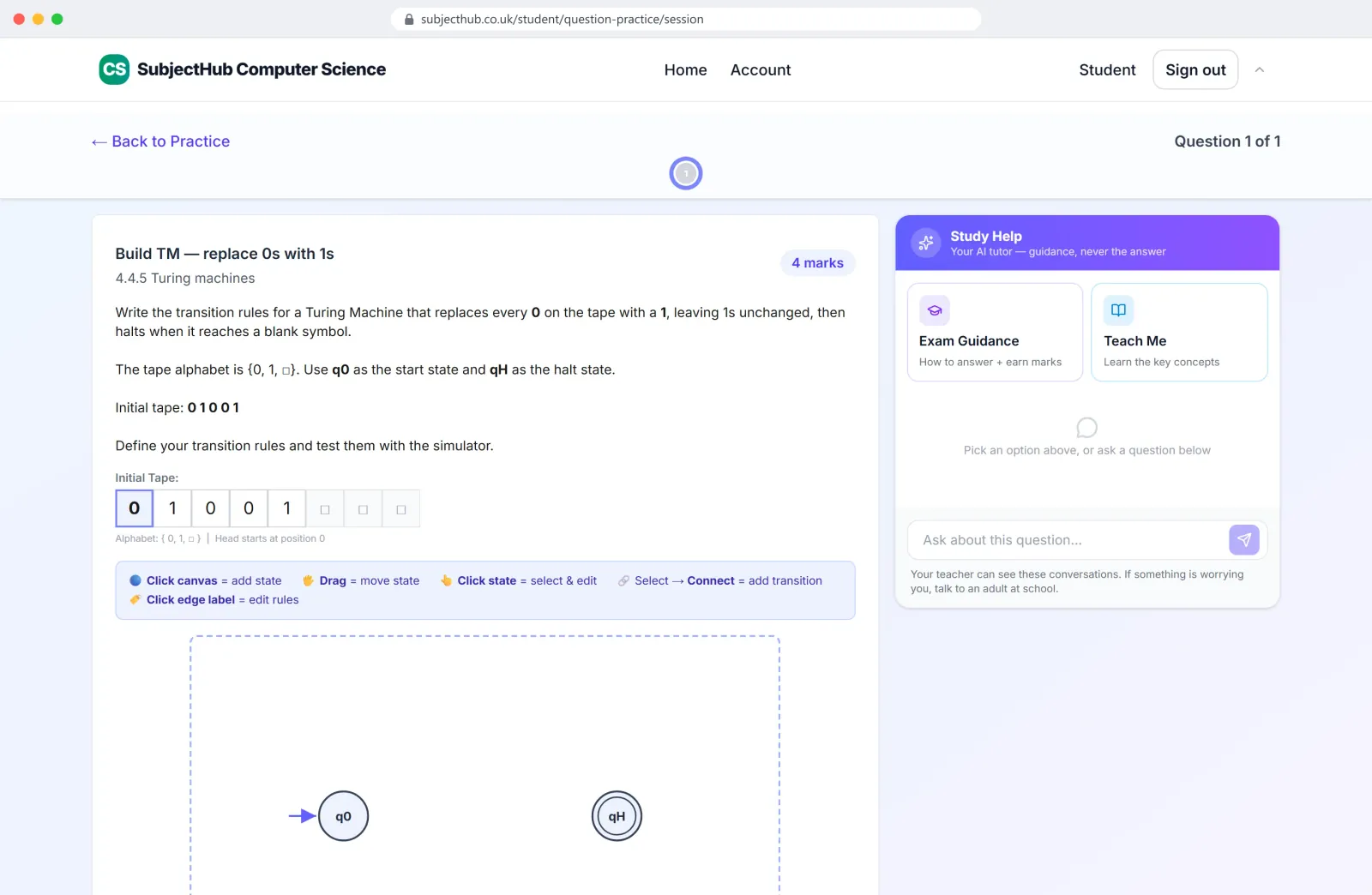
Turing machines, built and run on a live tape. 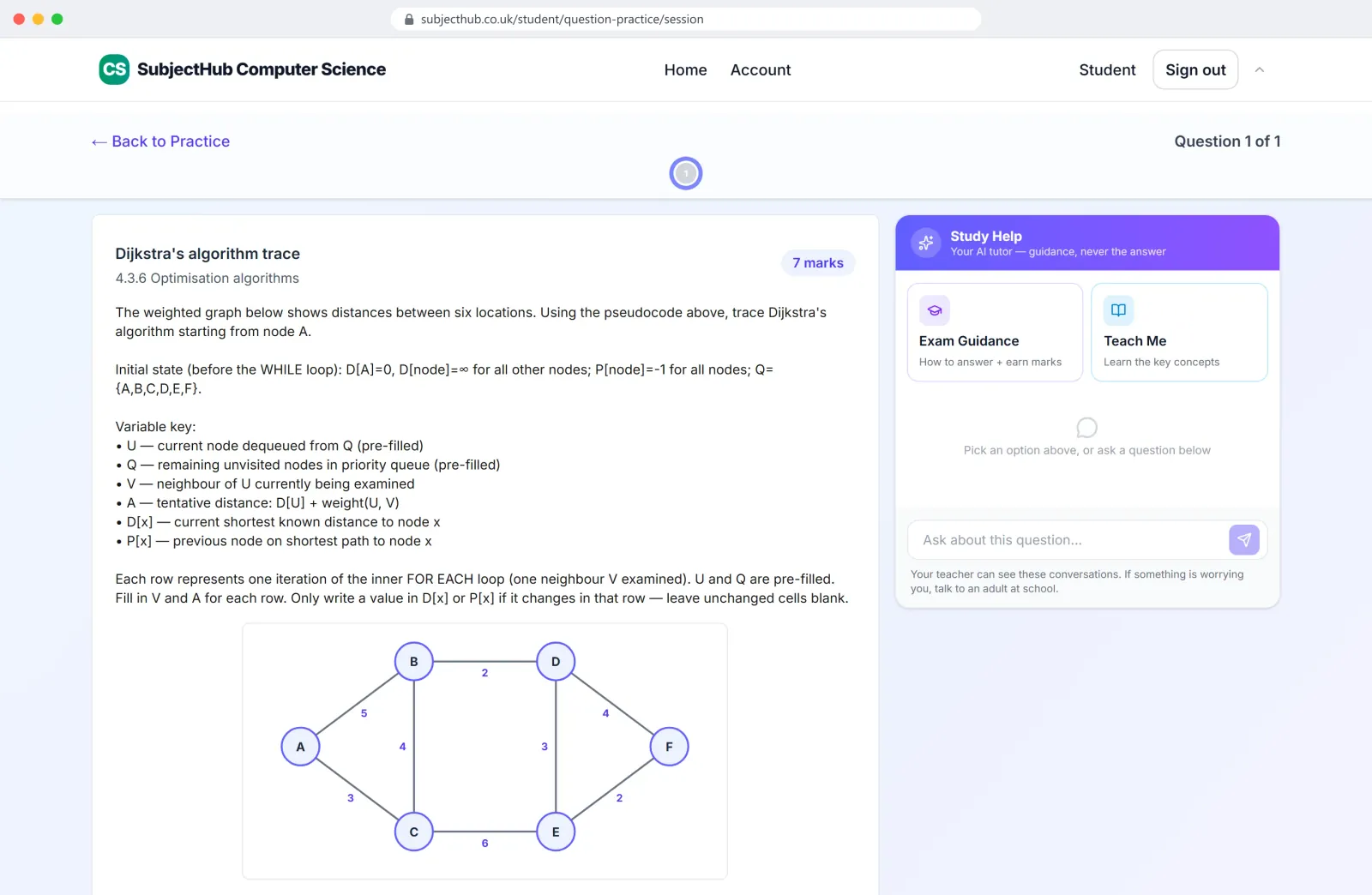
Graph algorithms, traced step by step. 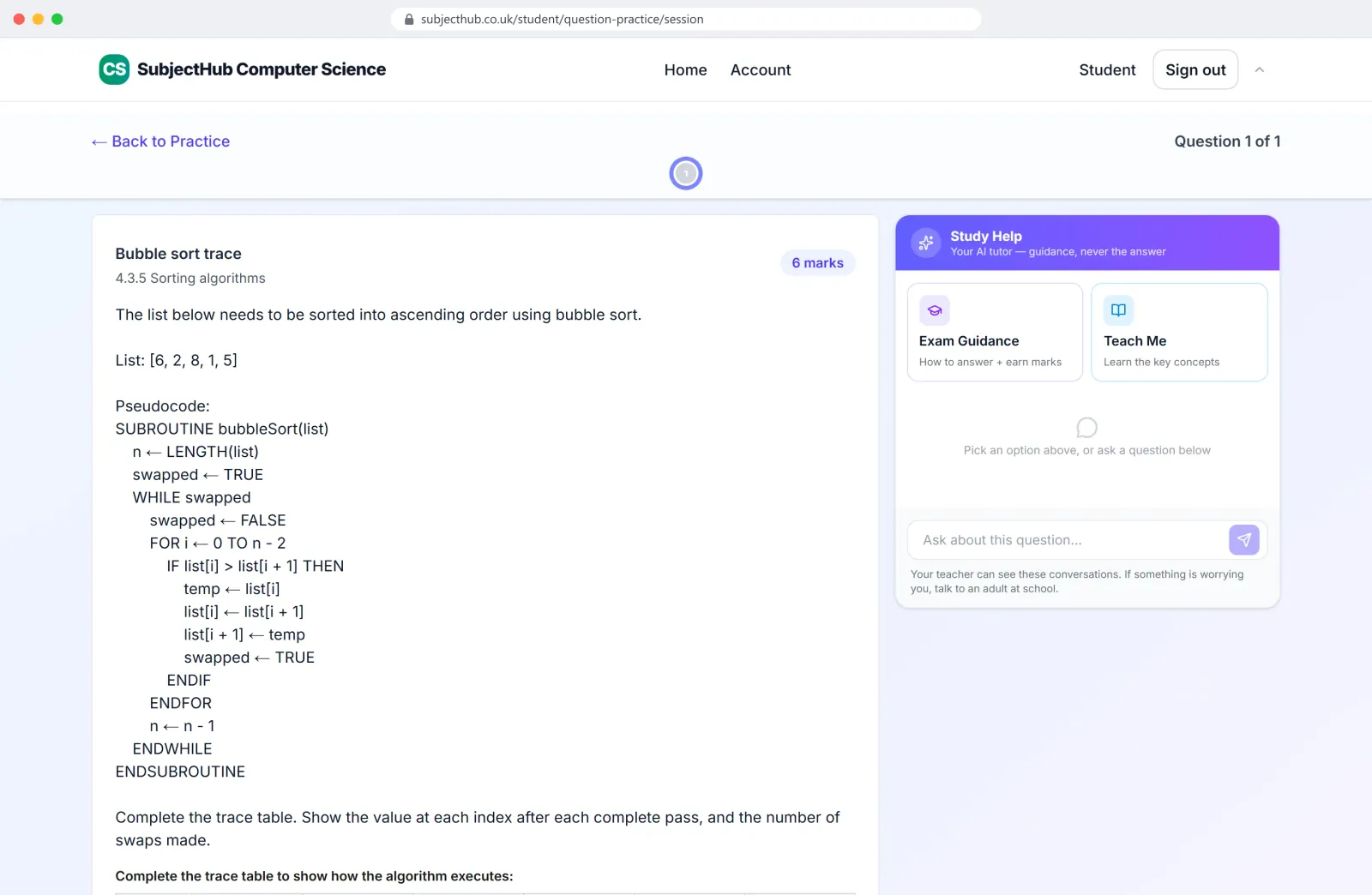
Trace tables from exam-style pseudocode. 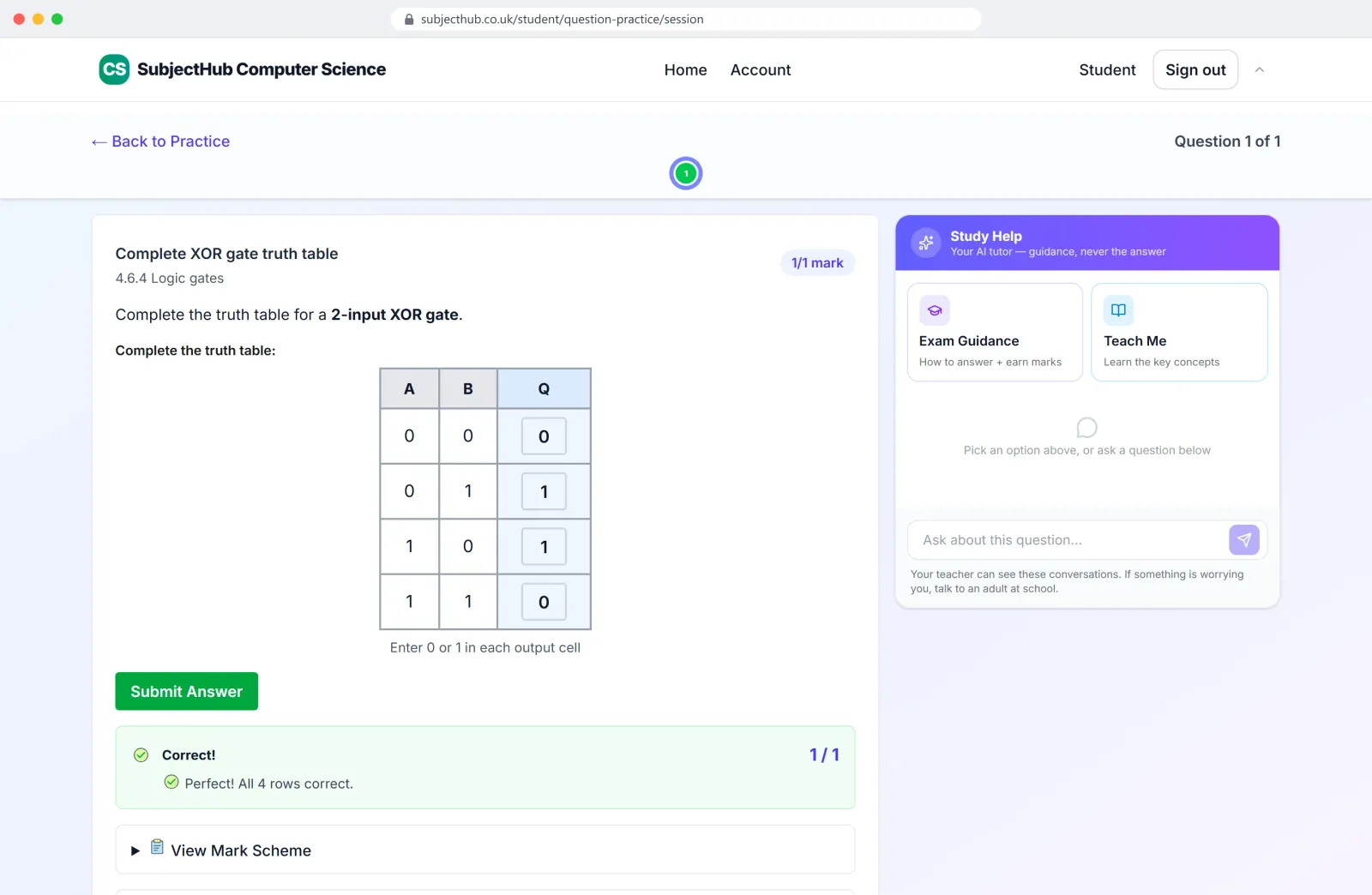
Truth tables, completed and marked. 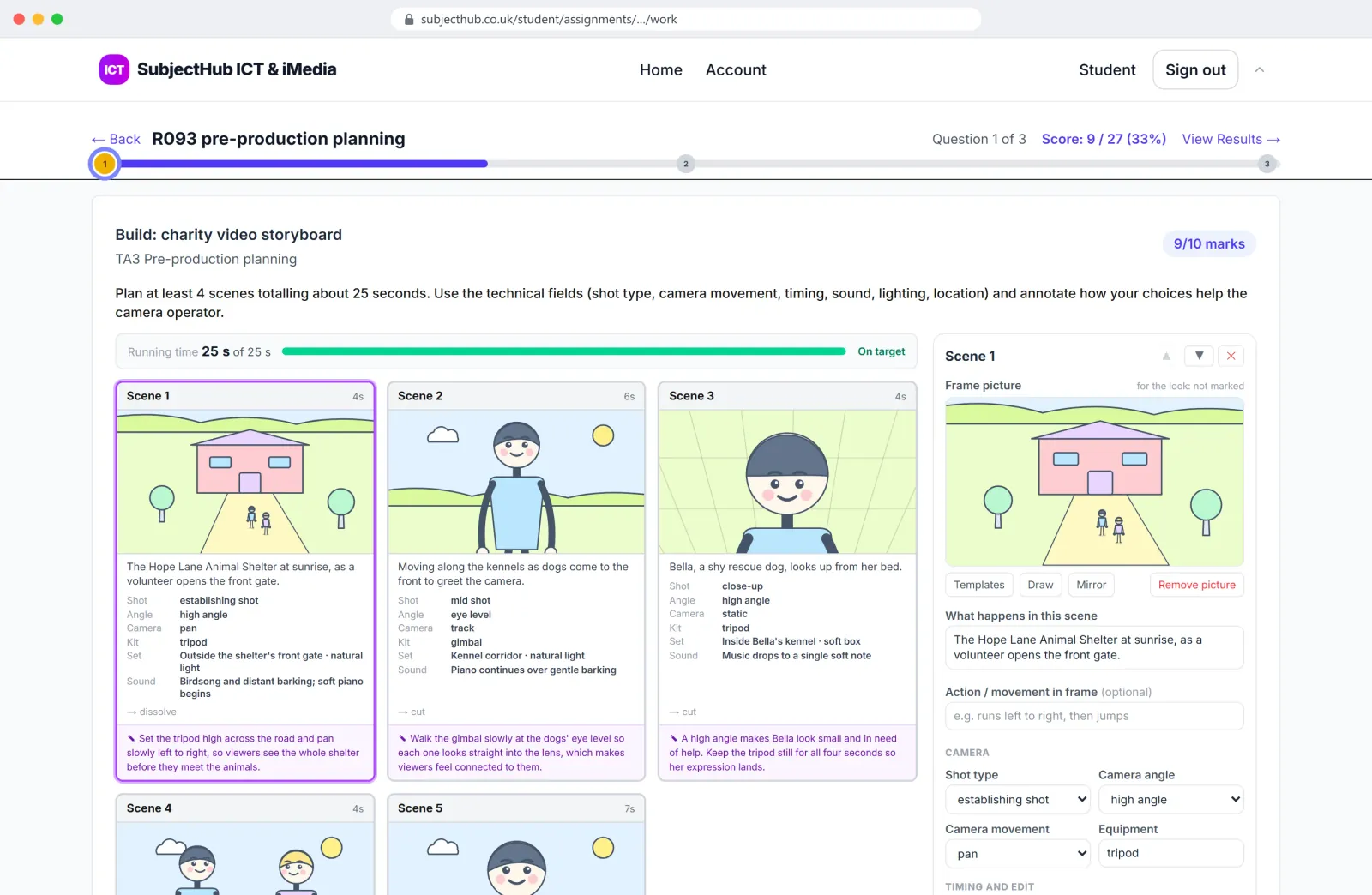
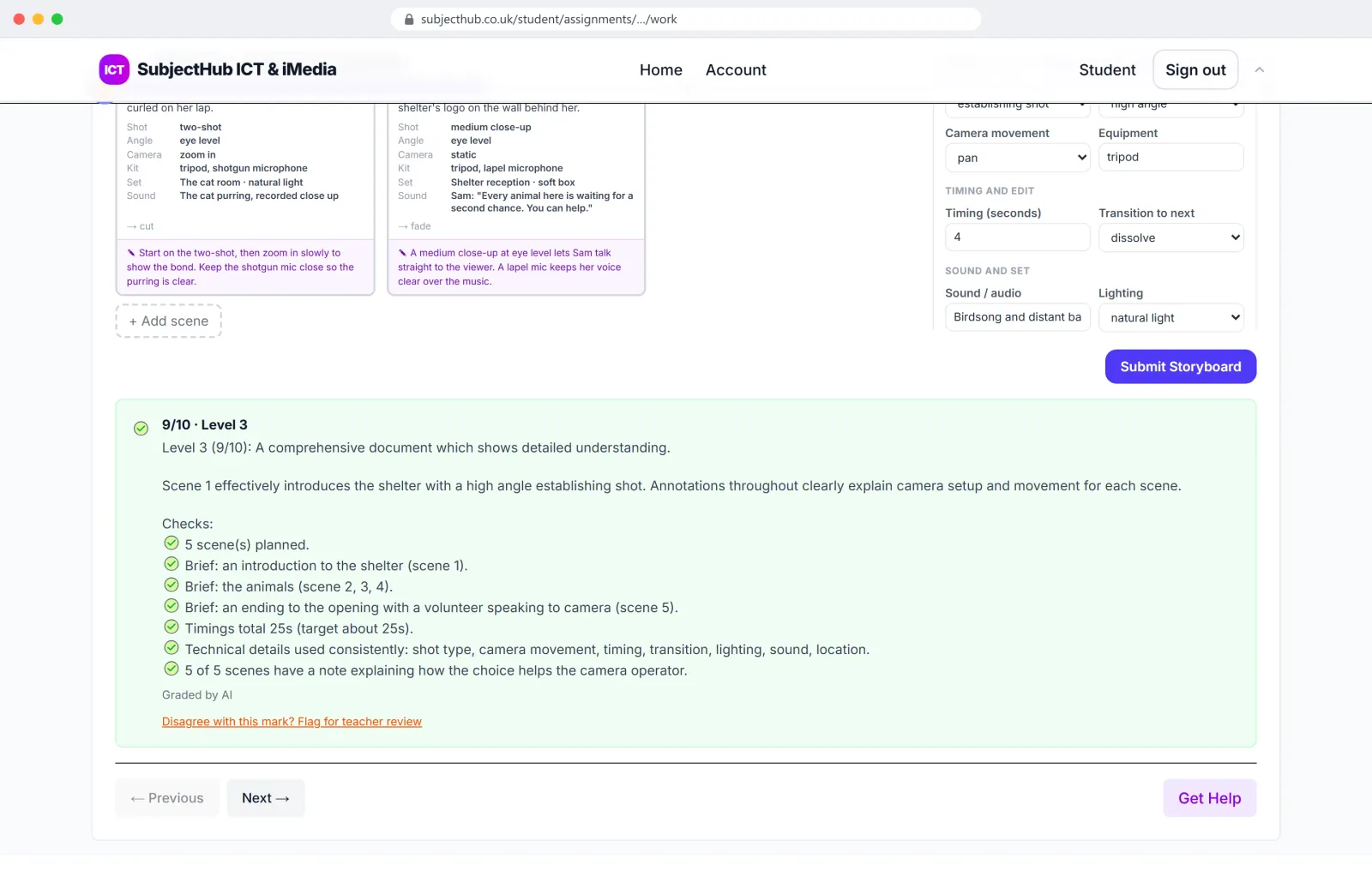
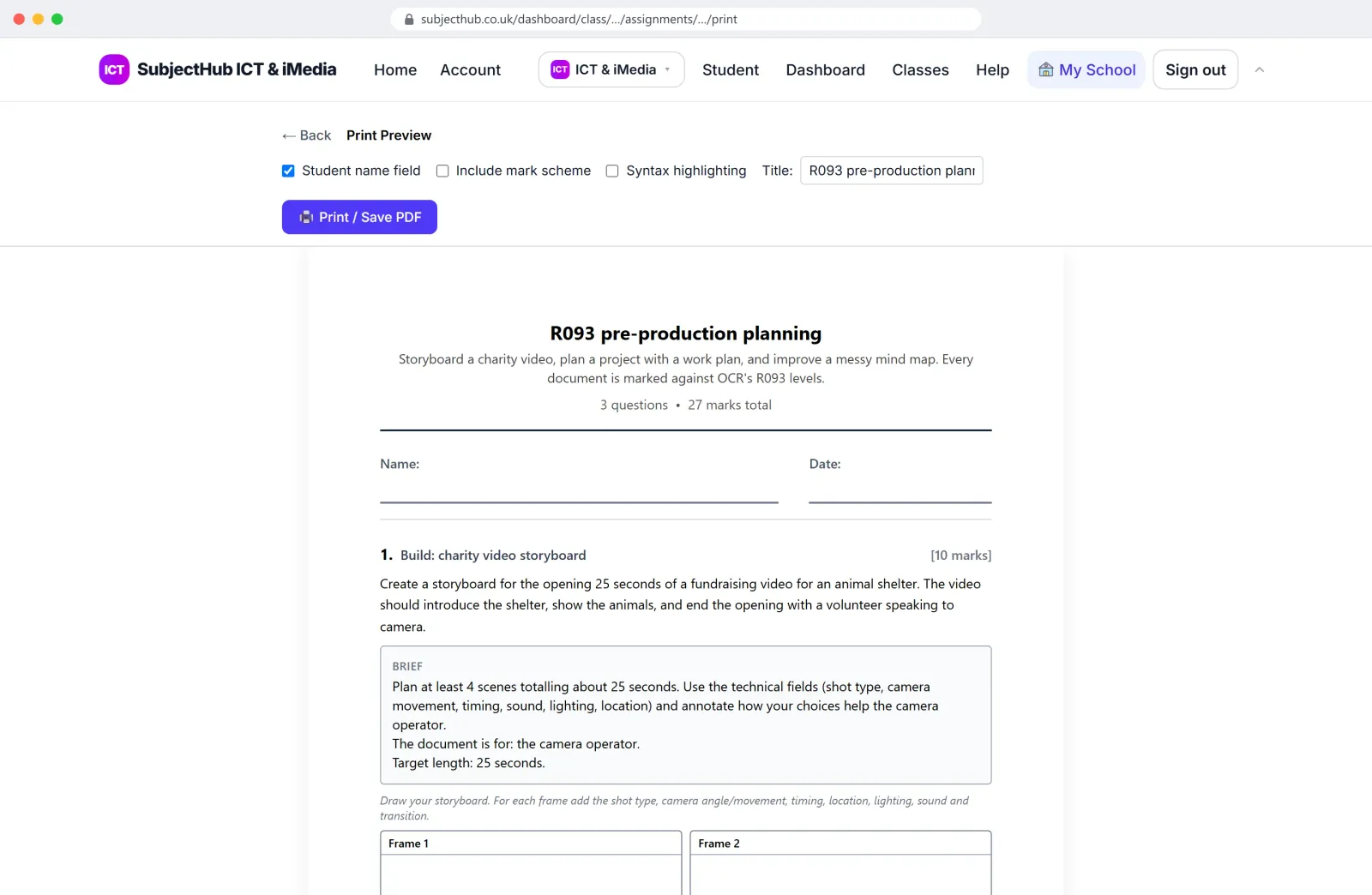
Creative iMedia storyboards, built the way the R093 paper expects.
Marking
Marked in seconds, with the reasons
Code is run and checked. Calculations are checked in code. Written and design answers are marked against the board's own mark scheme or level descriptors, and pupils see which marks they earned and why. The teacher can change any mark. While pupils work, a Study Help tutor guides them towards the answer without giving it away, and teachers can read every conversation.
Studios
Twenty Studios
Studios are full apps that run in the browser, with nothing to install. Pupils design websites and write HTML, build games and mobile apps, animate, draw logos and characters, make interactive e-learning, work in spreadsheets and documents, query databases and wire up logic circuits. Work saves to their account, a teacher can set any Studio as an assignment, and the teacher sees everything a class has made.
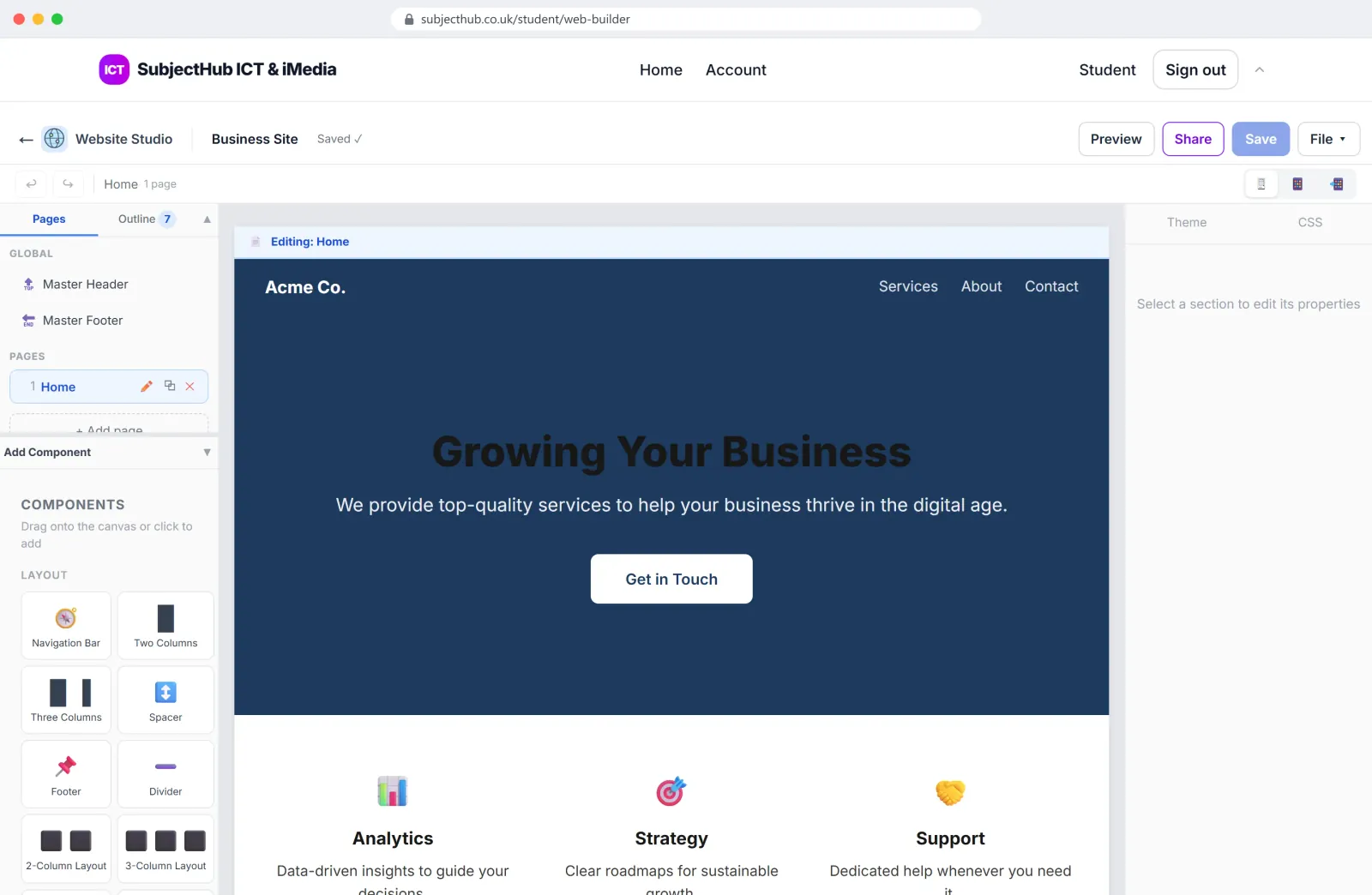
Website Studio
Design a site from sections, no code needed.
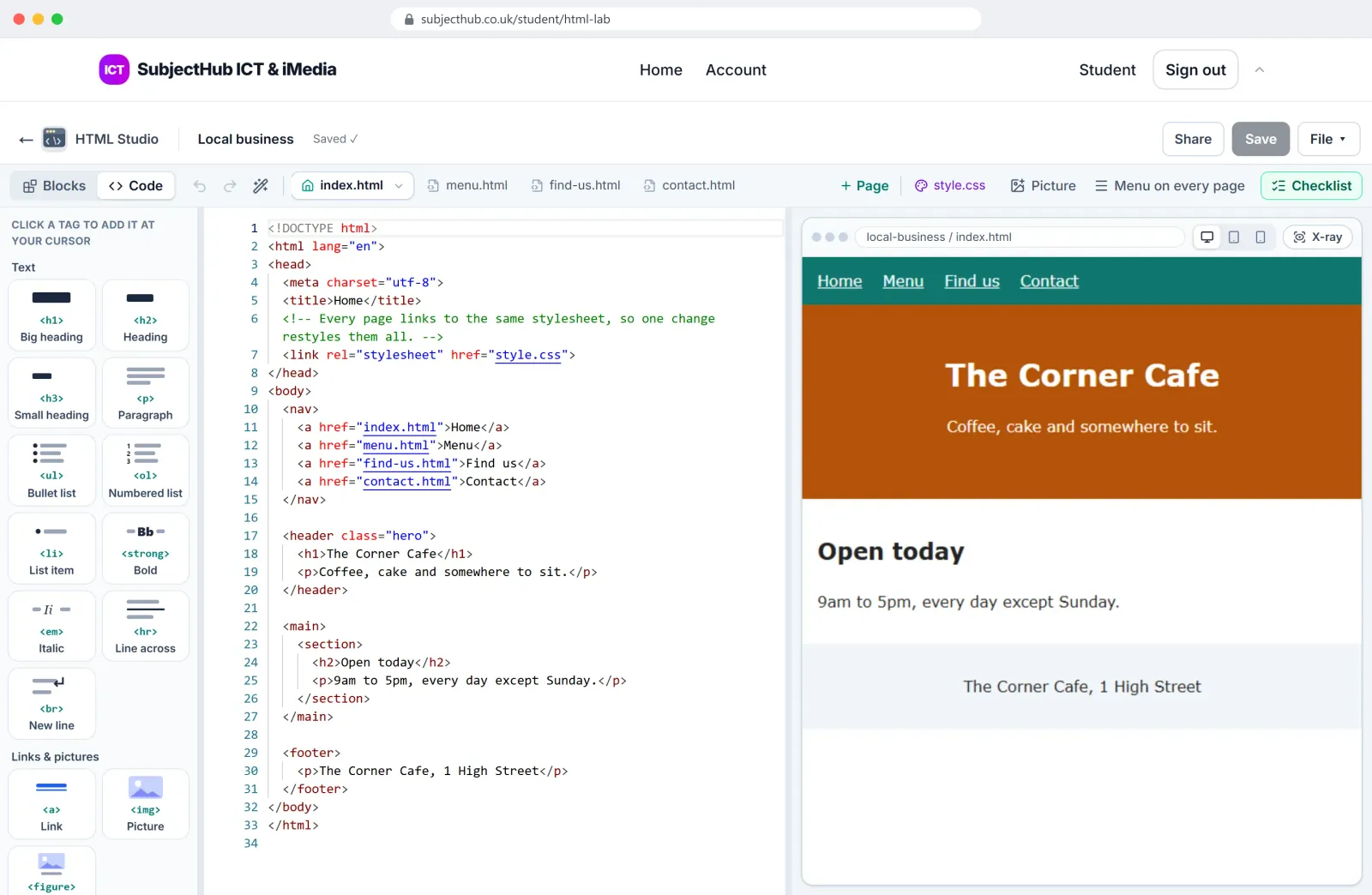
HTML Studio
See how a real web page is made.
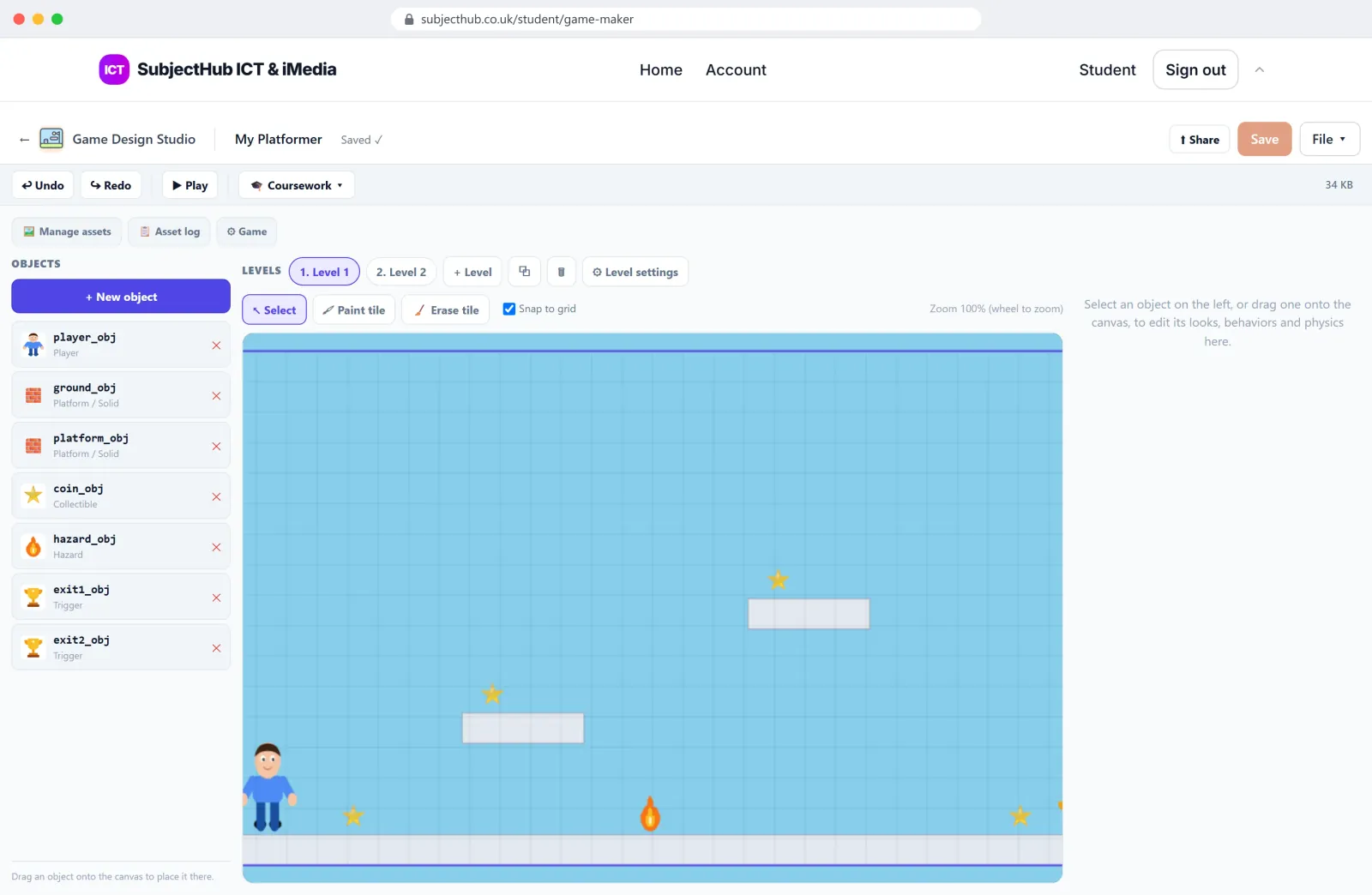
Game Design Studio
Build a platformer, then press Play.
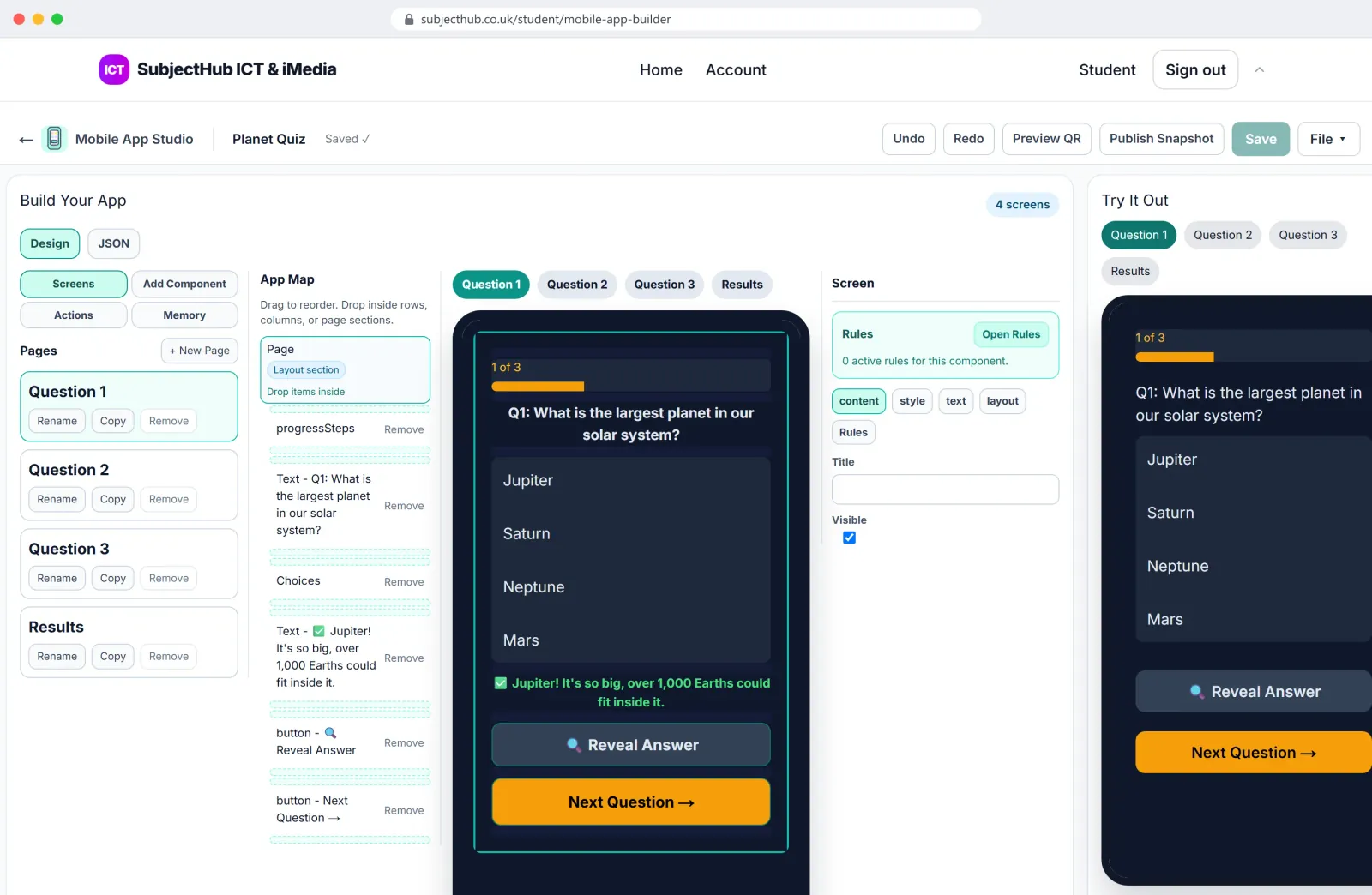
Mobile App Studio
Screens, buttons and logic, previewed on a phone.
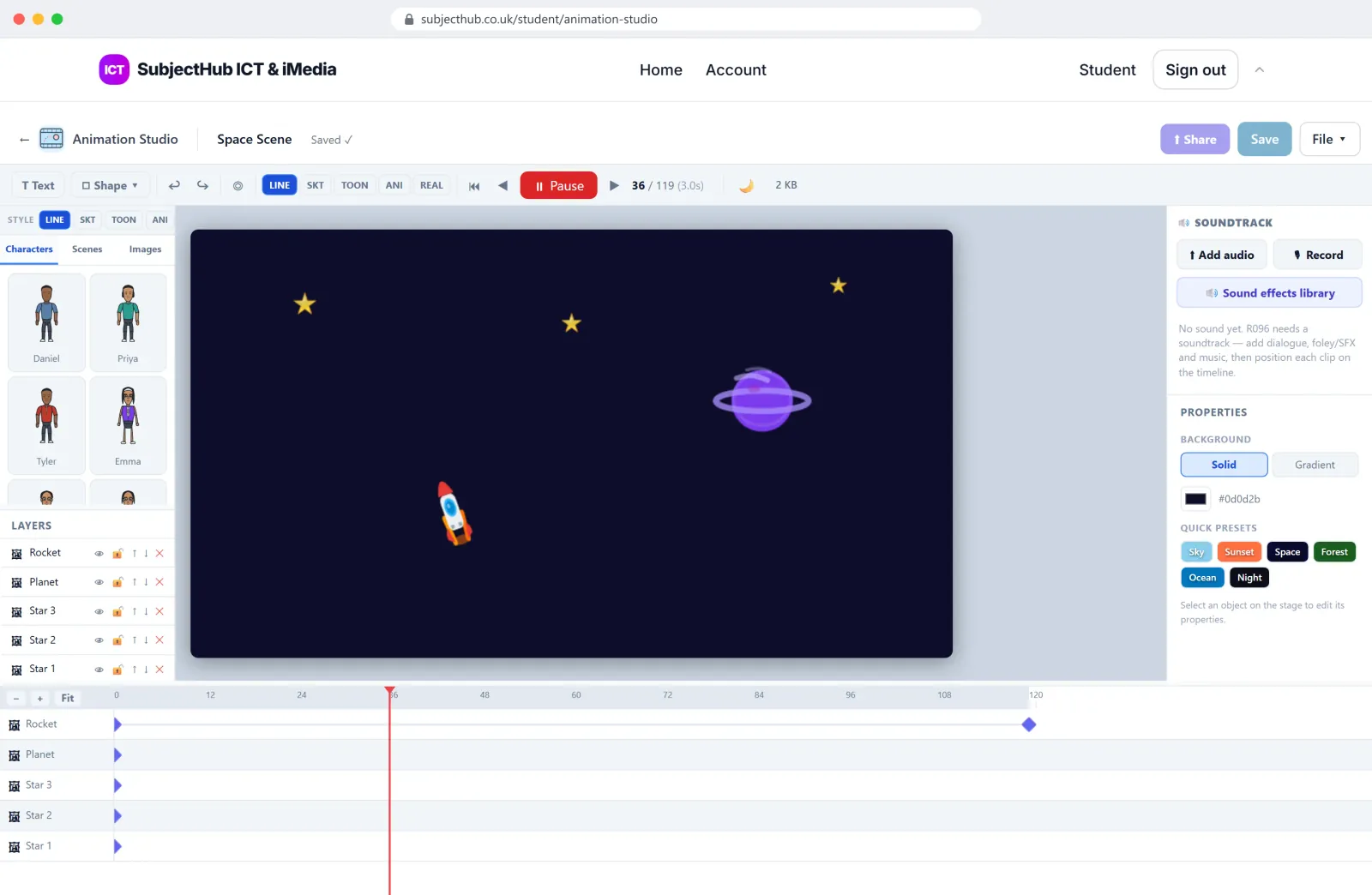
Animation Studio
Layers, keyframes and a timeline.
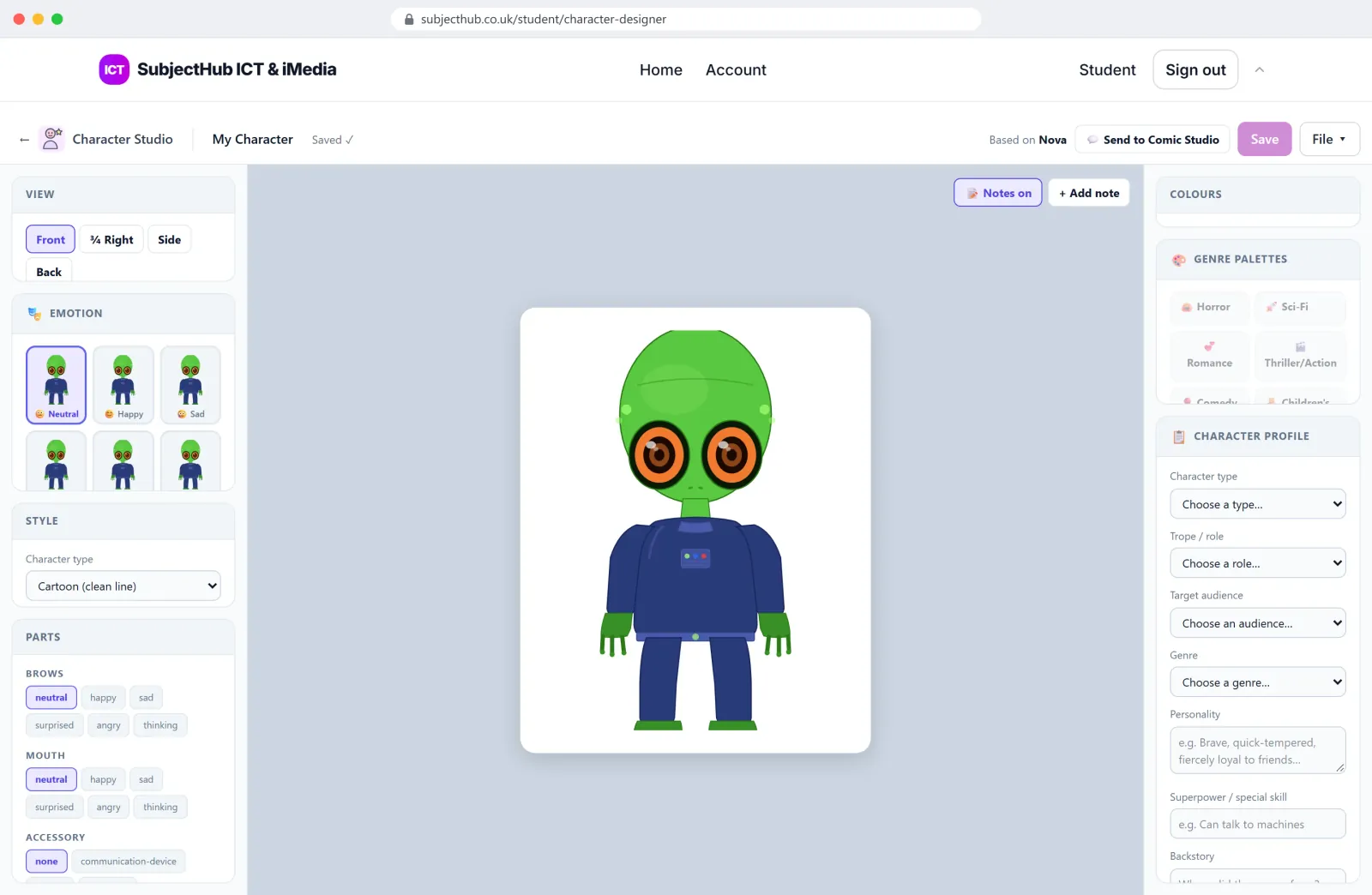
Character Studio
Design a character for a comic or game.
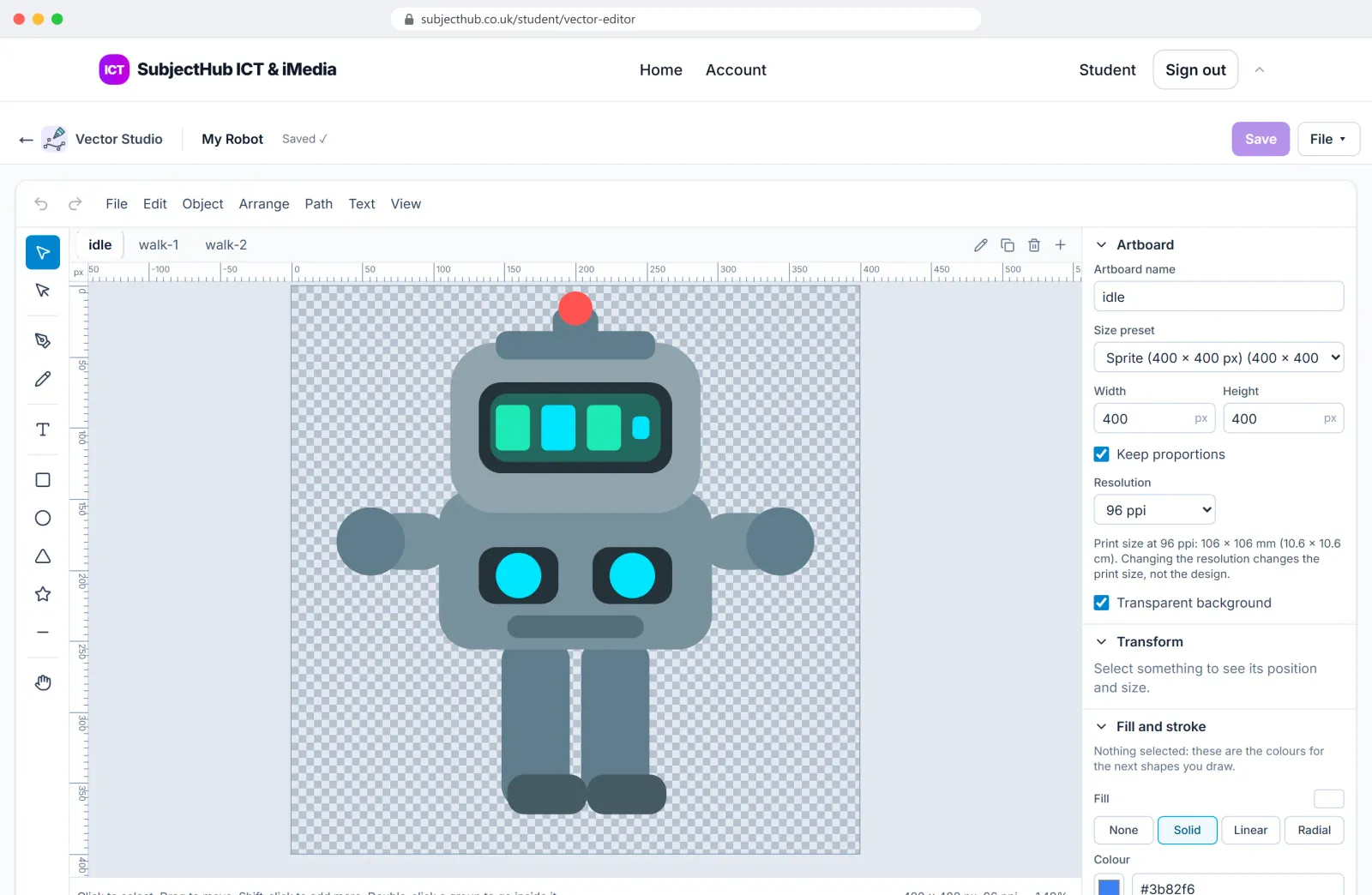
Vector Studio
Logos and graphics that scale.
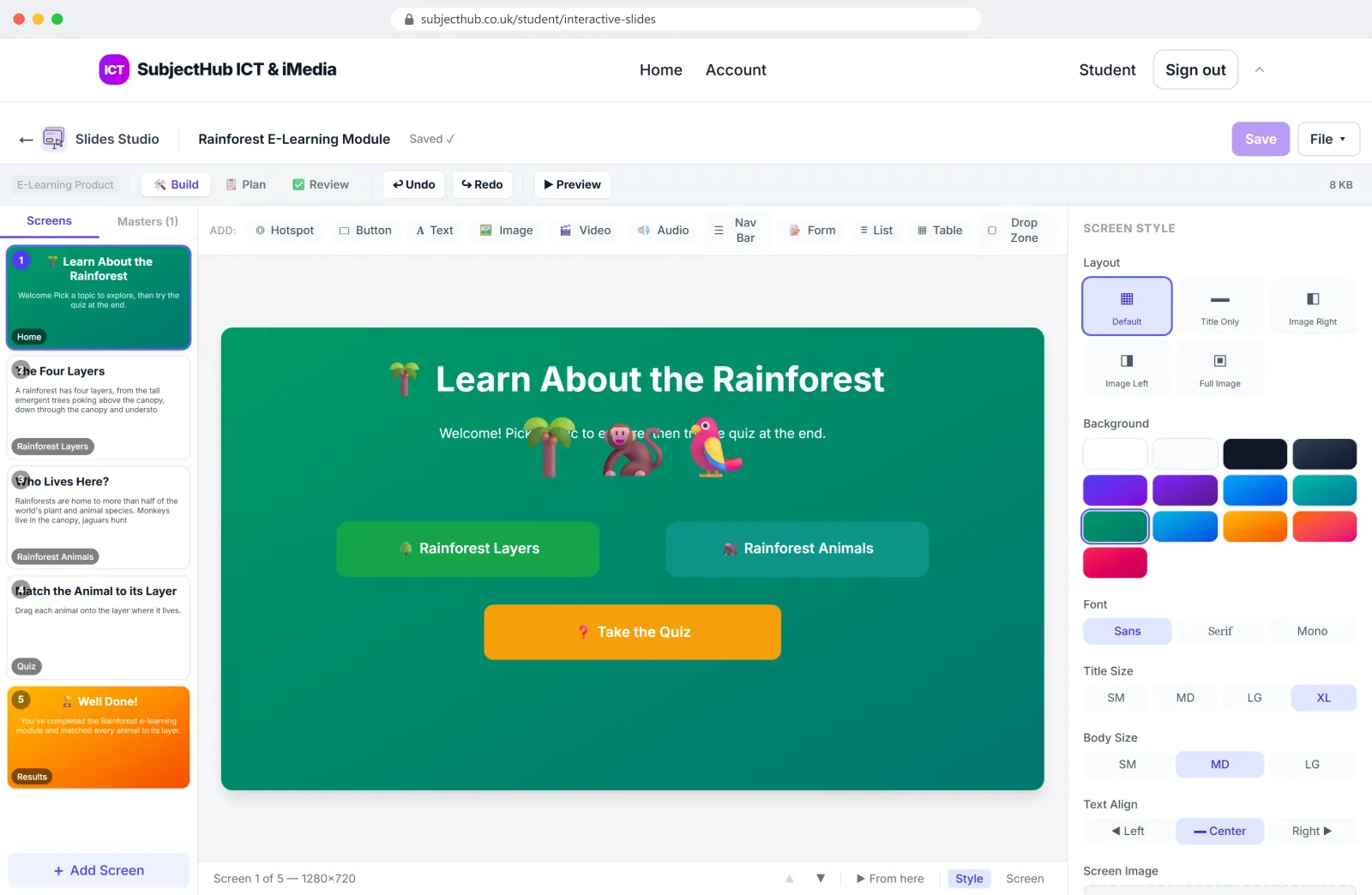
Slides Studio
Interactive e-learning and kiosk products.
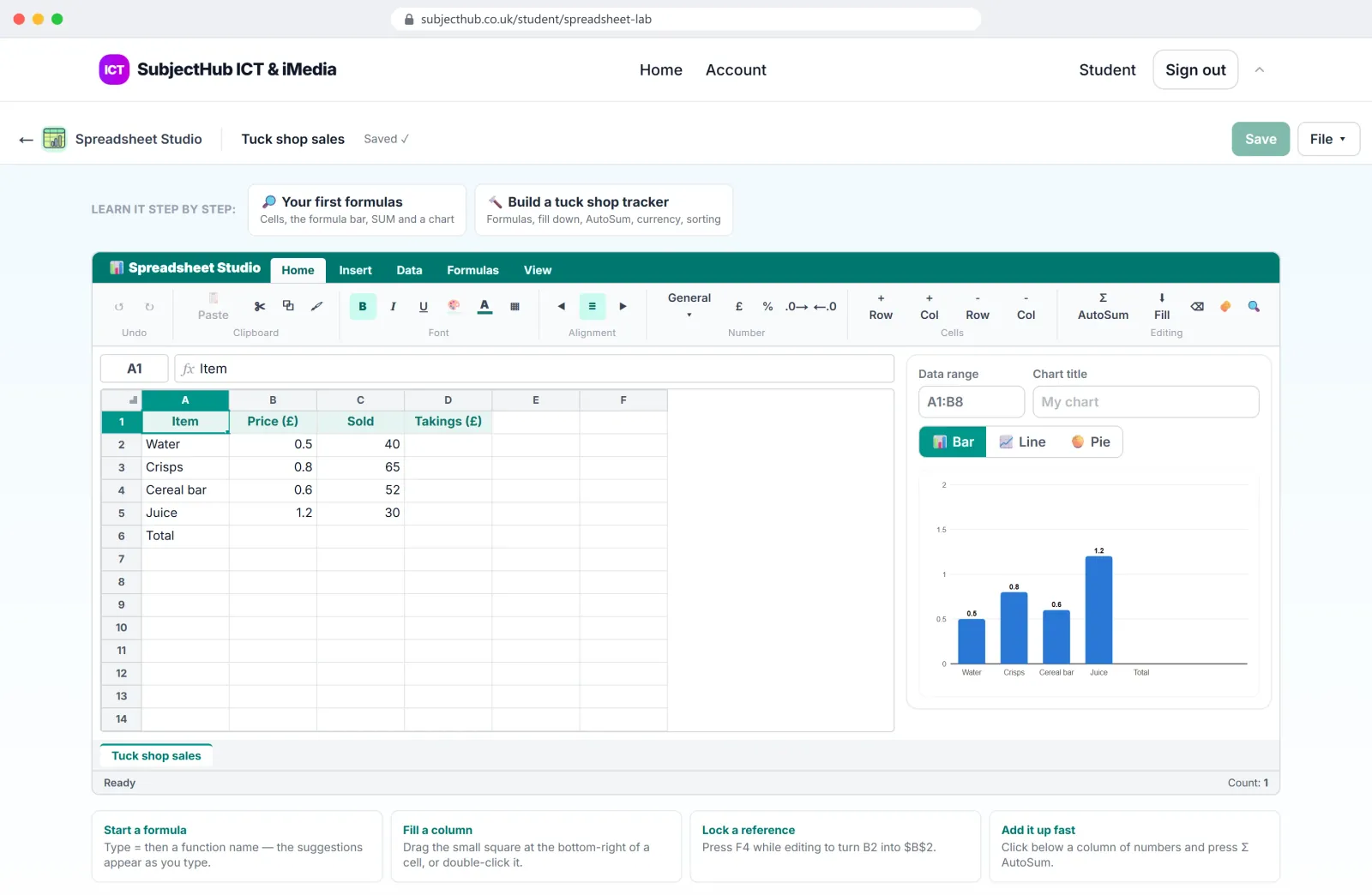
Spreadsheet Studio
Formulas, functions and charts.
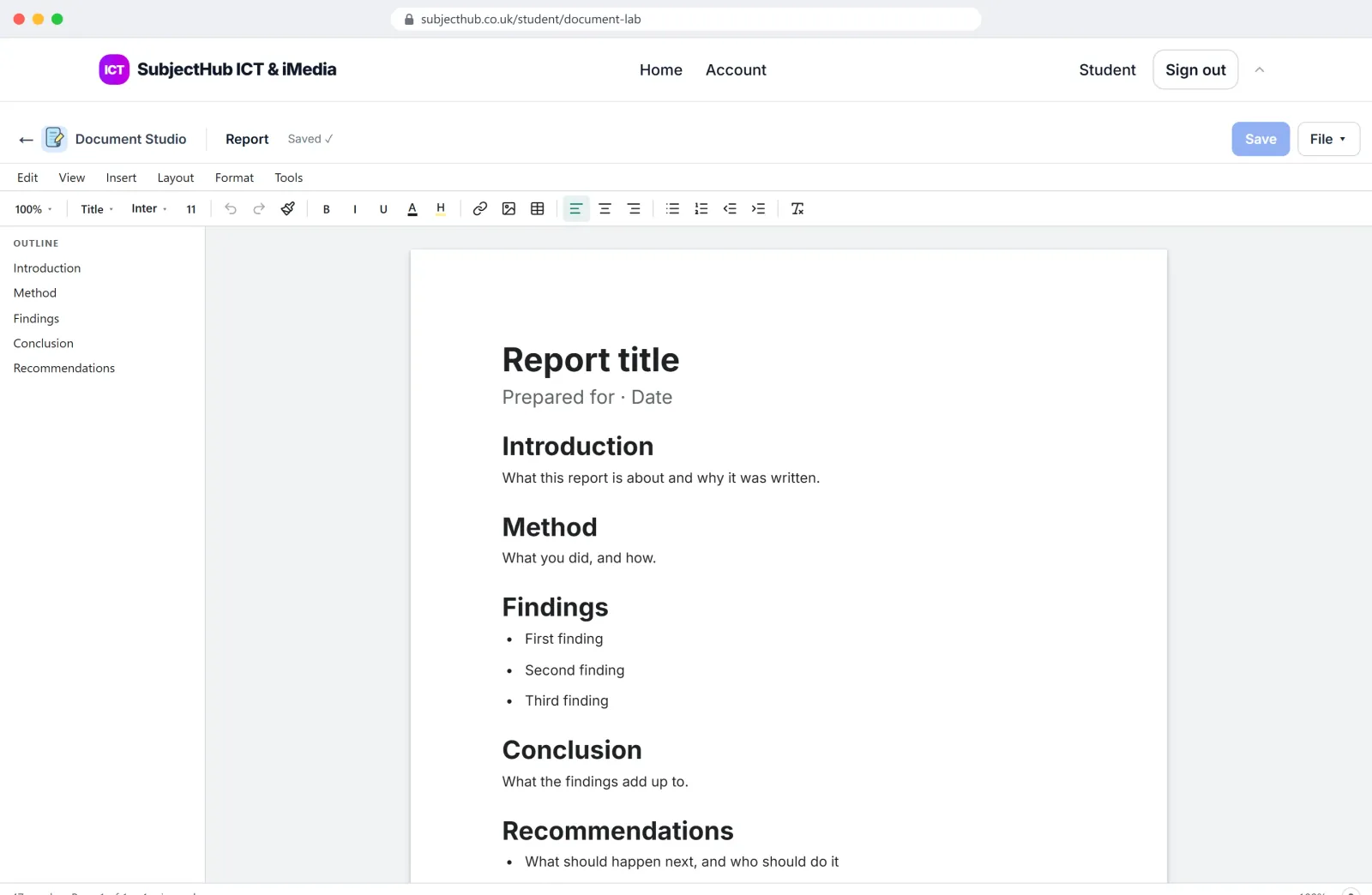
Document Studio
A word processor built for school work.
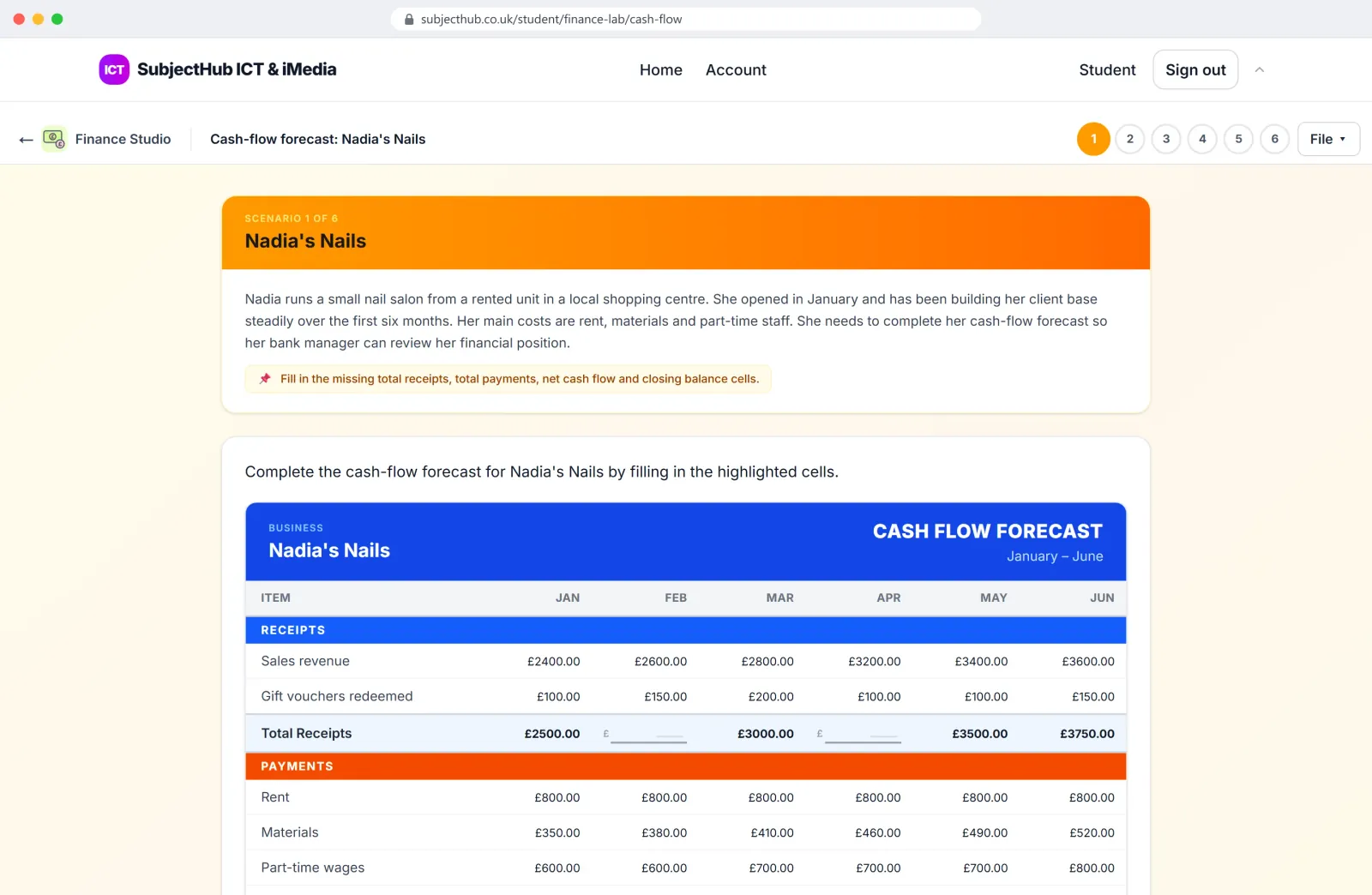
Finance Studio
Cash flow, break-even and business documents, marked as you go.
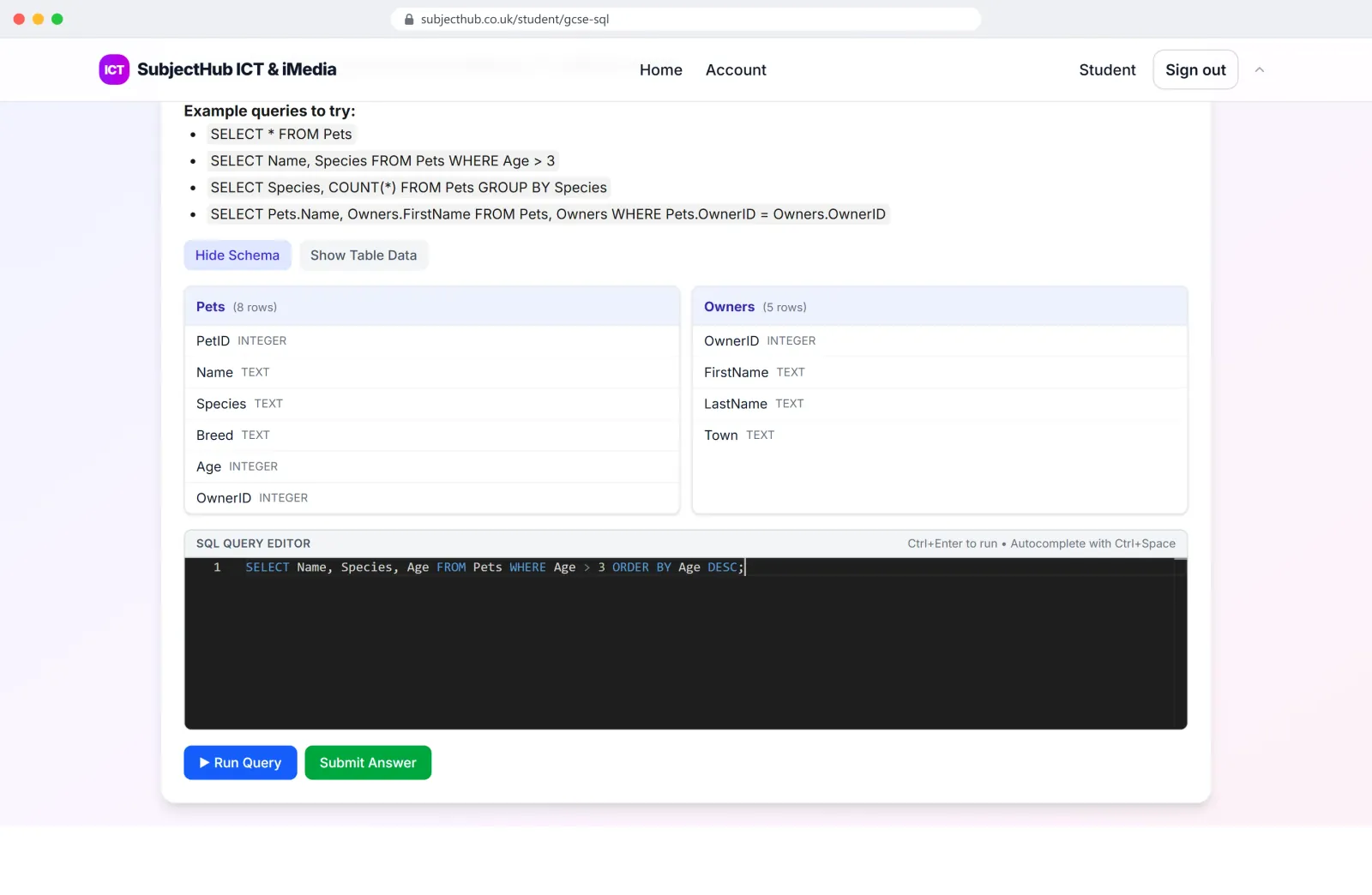
SQL Studio
Real queries against a real database.
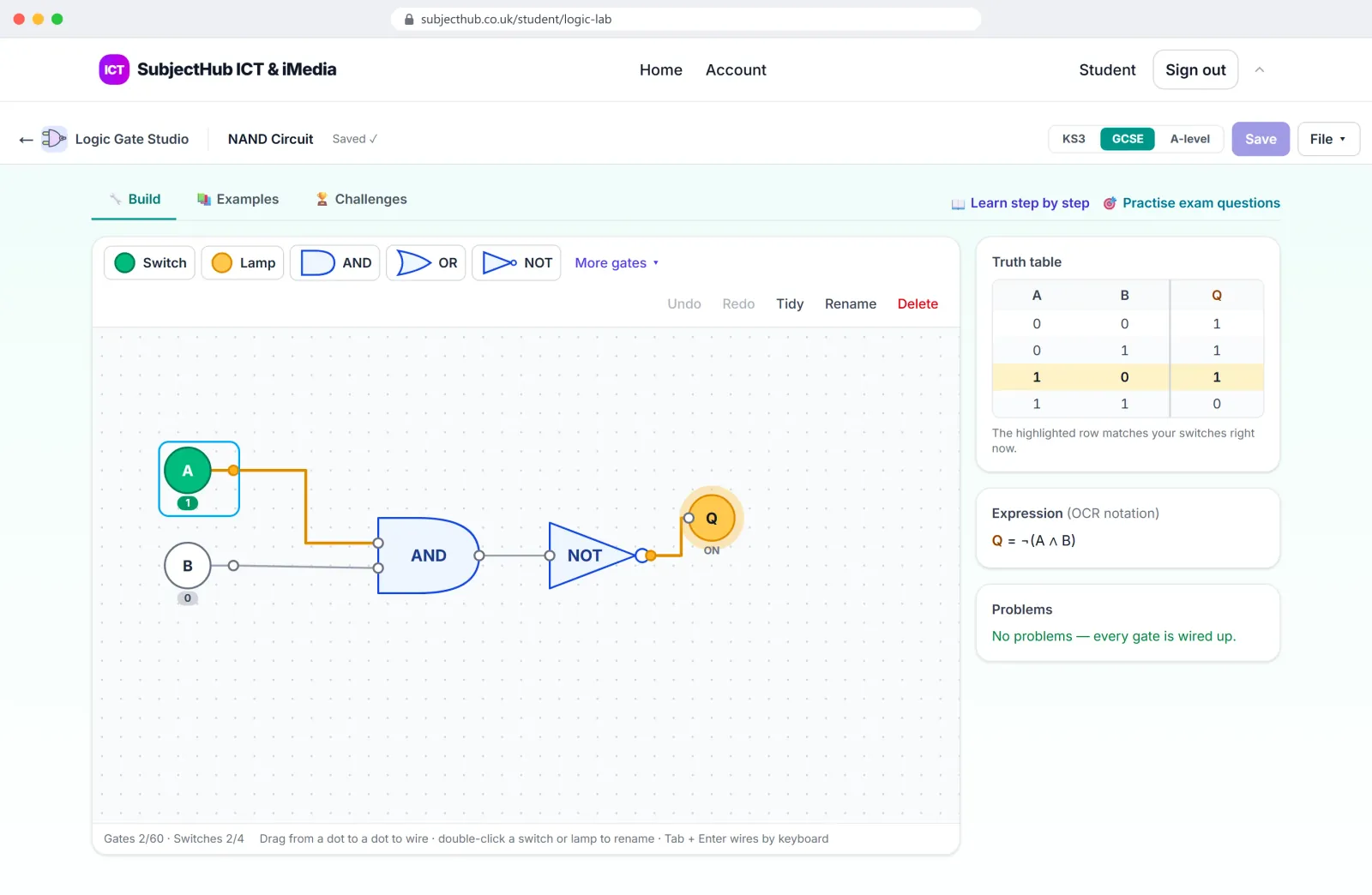
Logic Gate Studio
Build a circuit and its truth table writes itself.
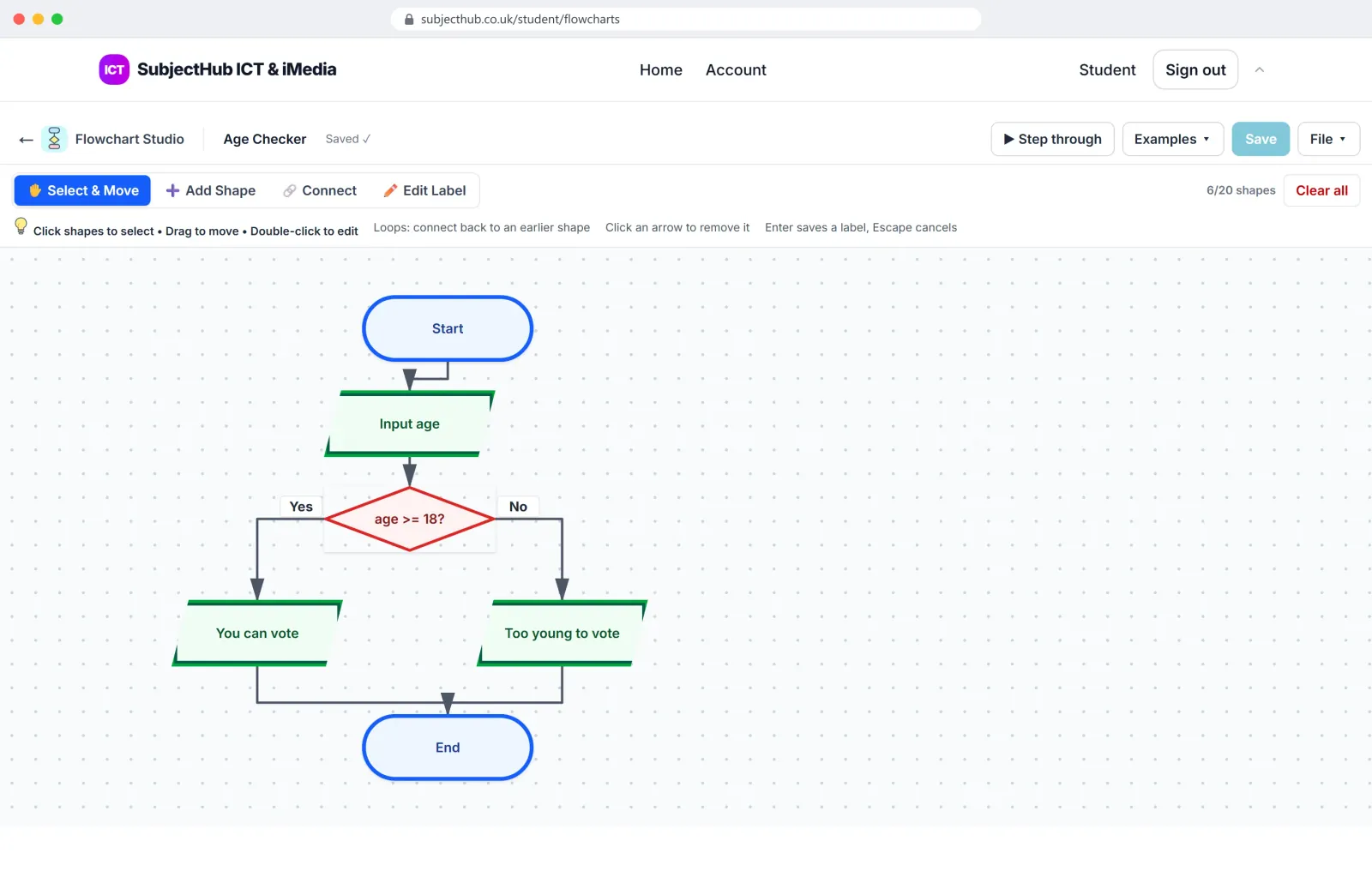
Flowchart Studio
Draw an algorithm, then run it.
All twenty: Image, Vector, Comic, Character, Animation, Slides, Storyboard, Mind Map, Game Design, Mobile App, Website, HTML, Python, Pygame, Spreadsheet, Document, Finance, SQL, Logic Gate and Flowchart Studio.
Simulators
Simulators for the hard-to-picture topics
Alongside the Studios are small one-topic simulators that make the hard-to-picture parts of the course visible.
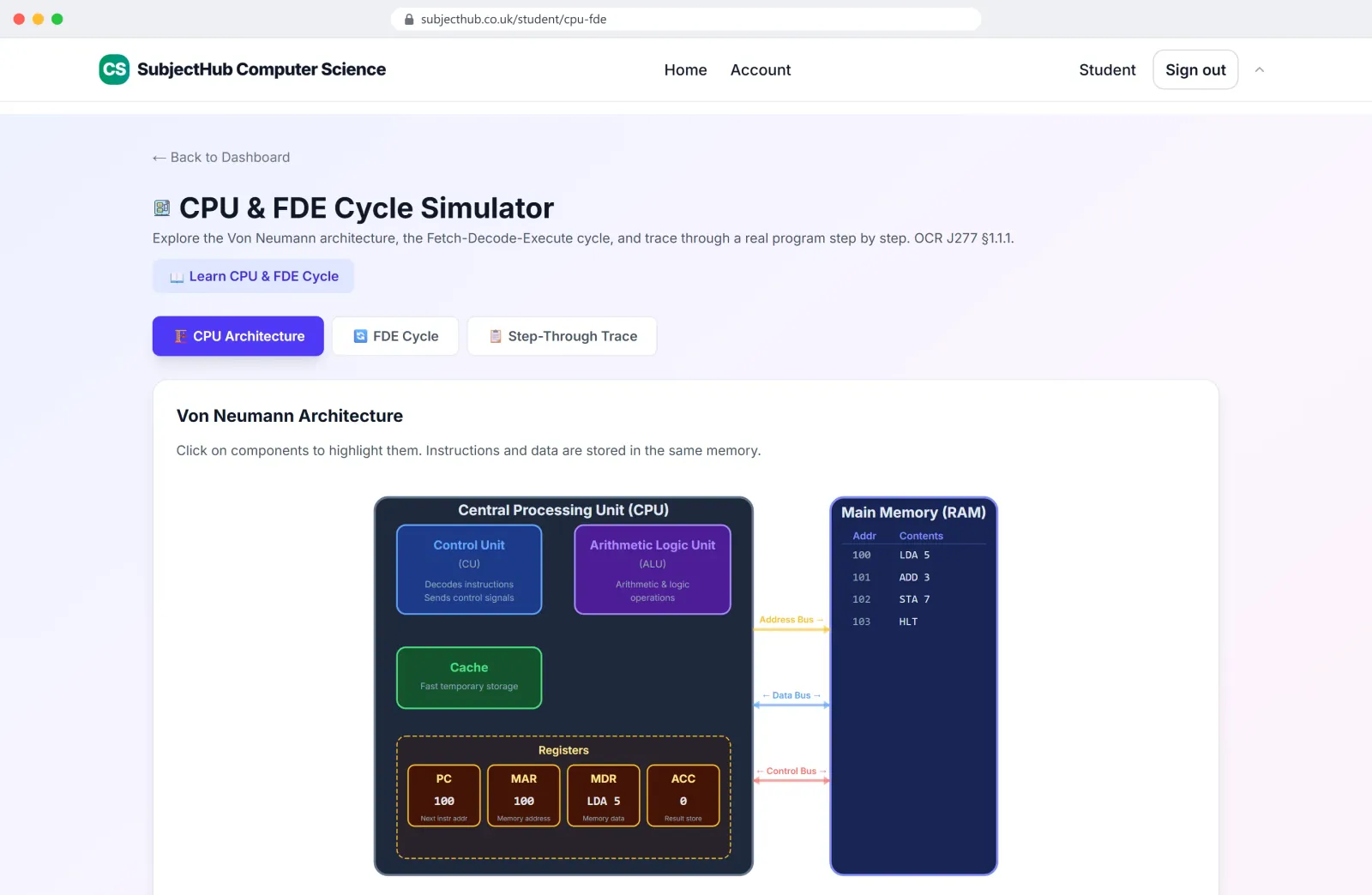
The CPU's fetch-decode-execute cycle, traced through a real program. 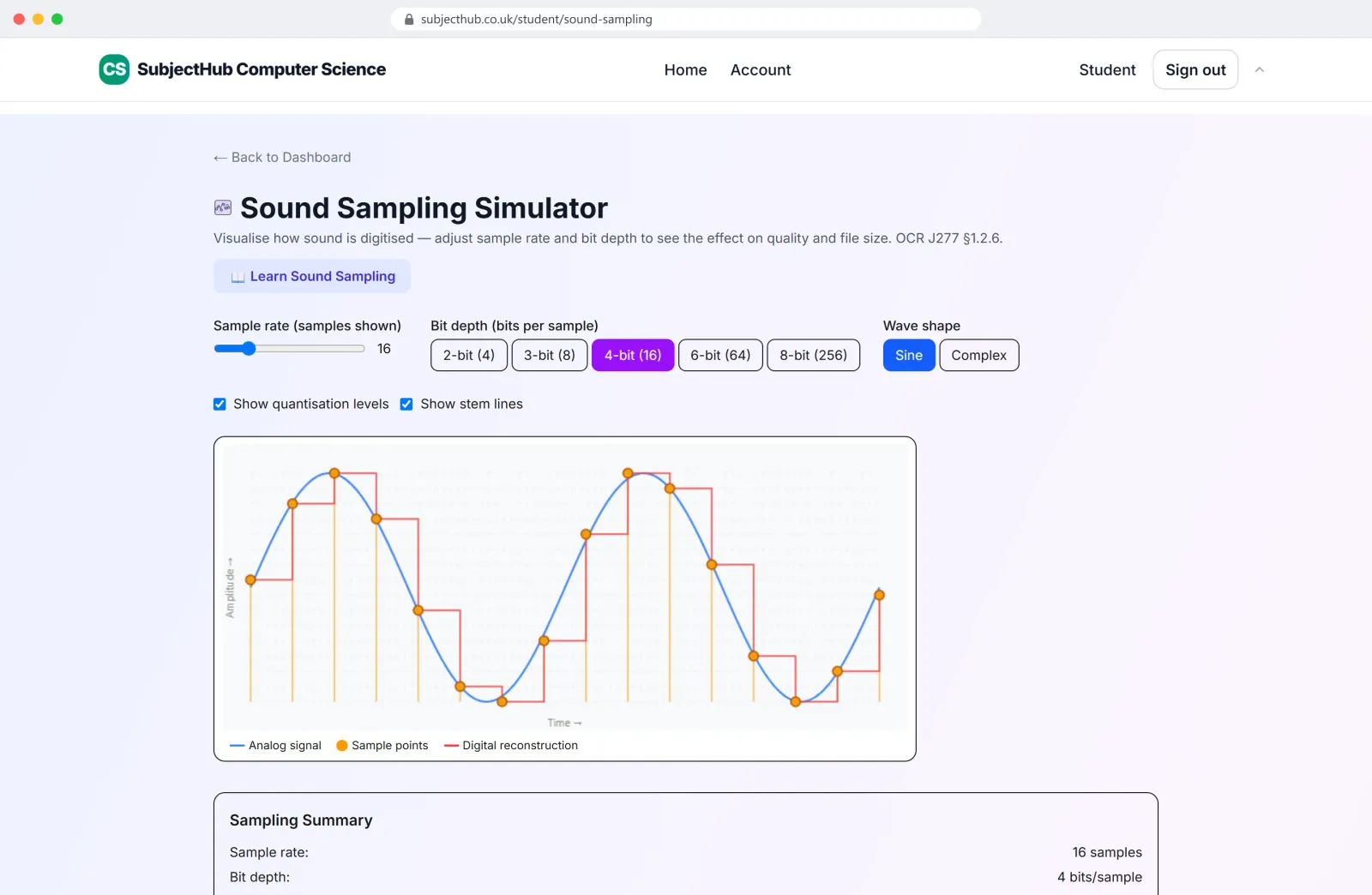
How sample rate and bit depth change a sound and its file size. 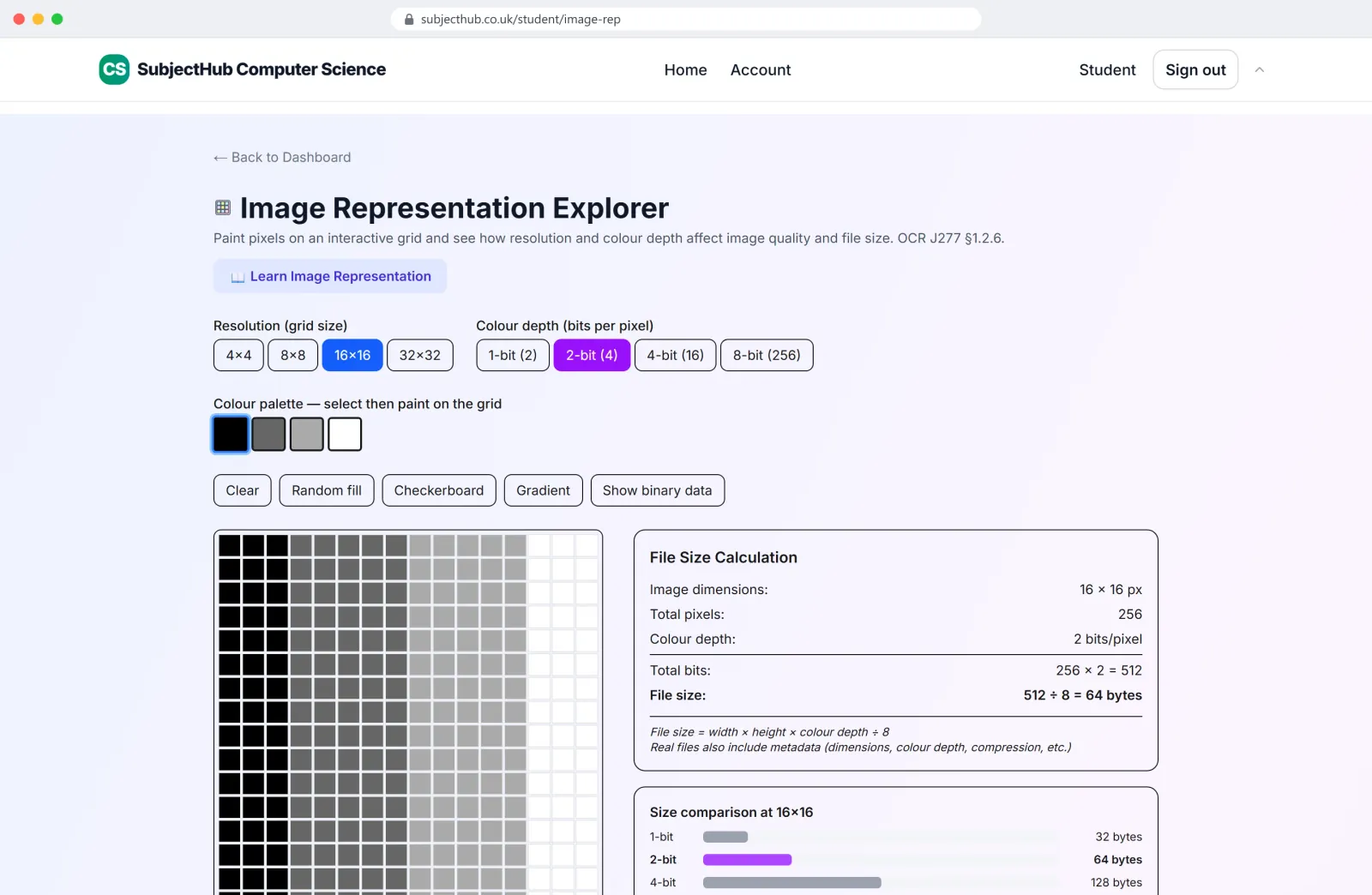
Pixels, colour depth and file size, worked out live. 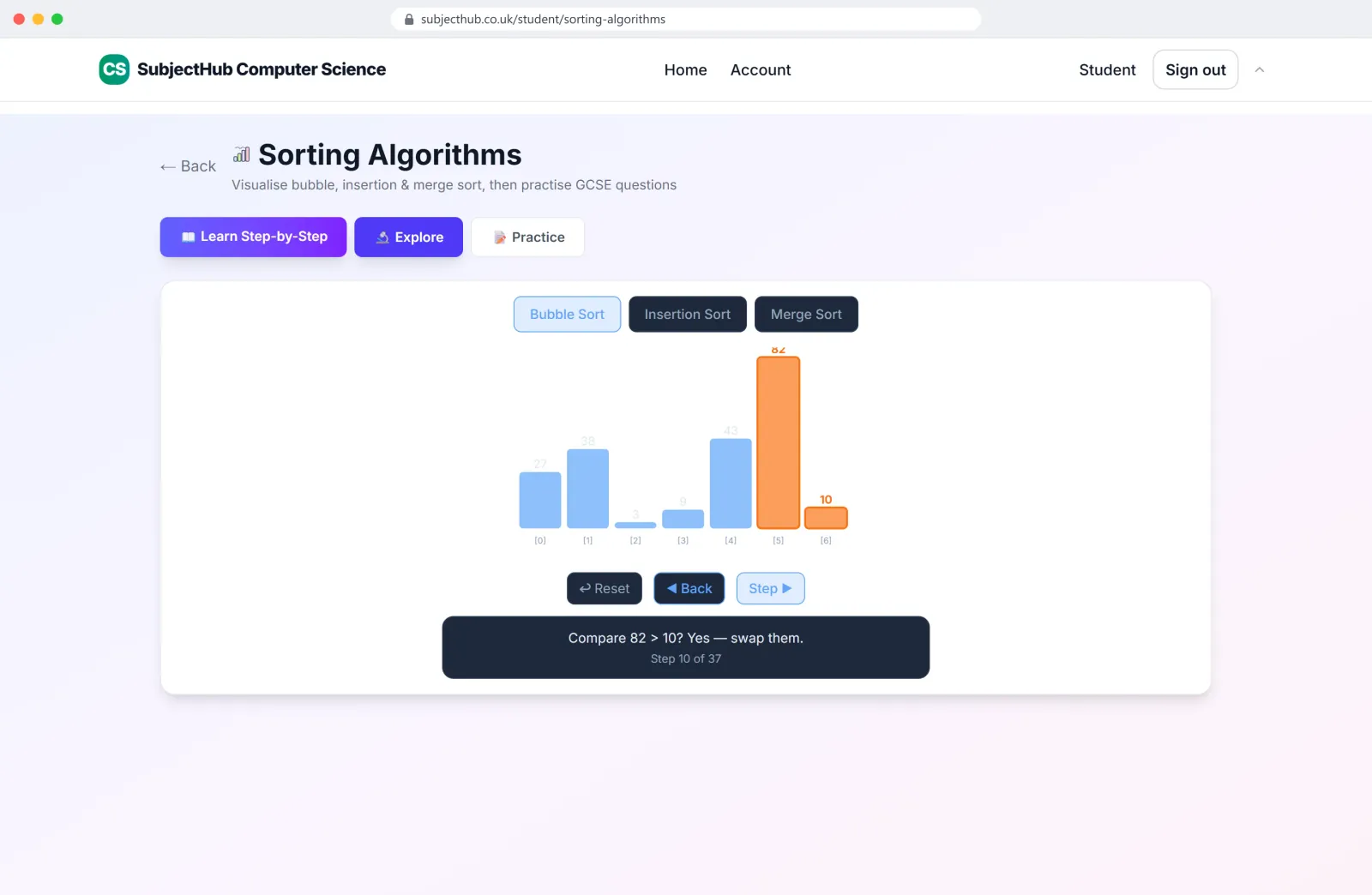
Bubble, insertion and merge sort, one comparison at a time. 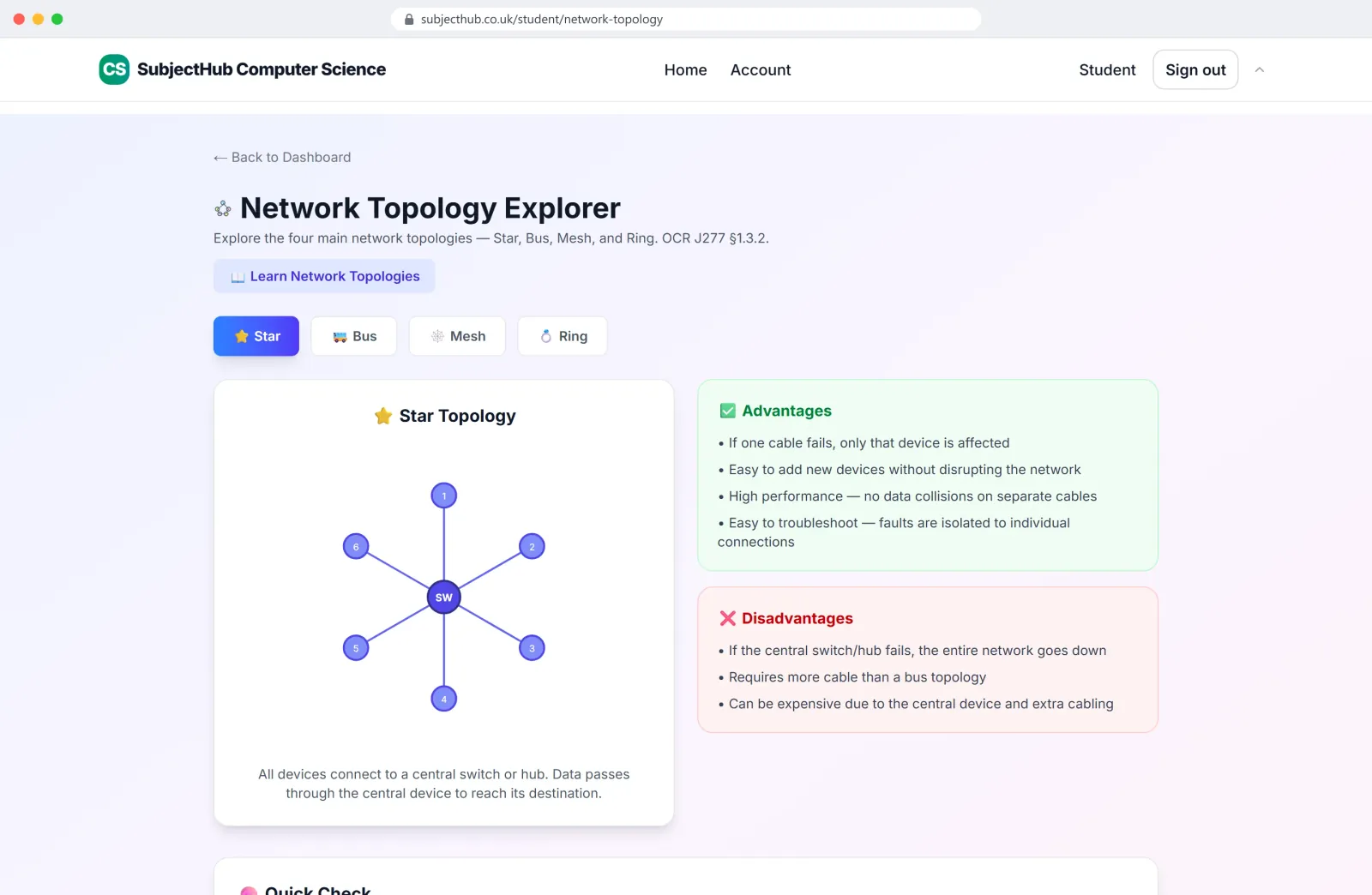
Network topologies, compared.
For teachers
What teachers get
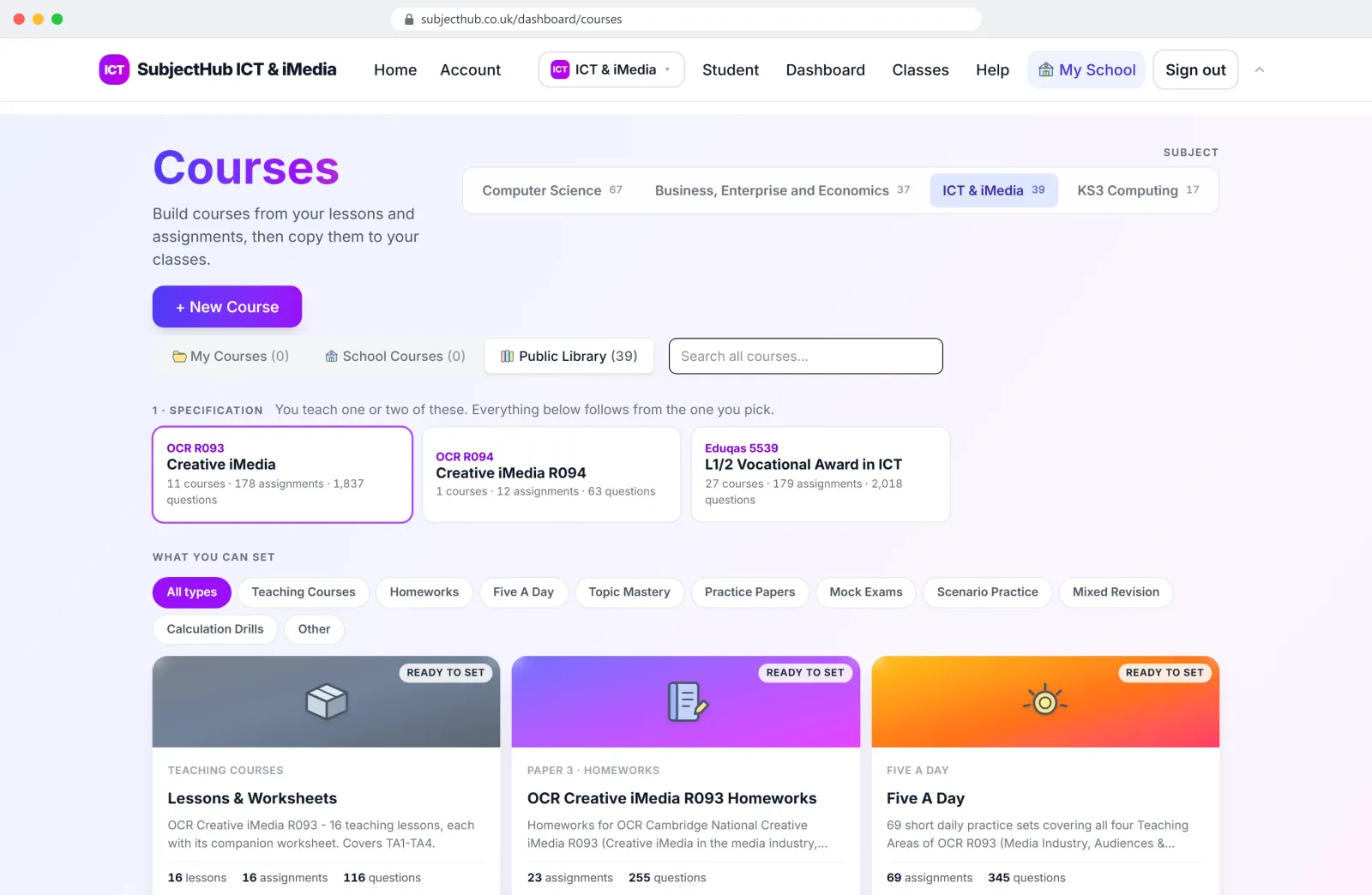
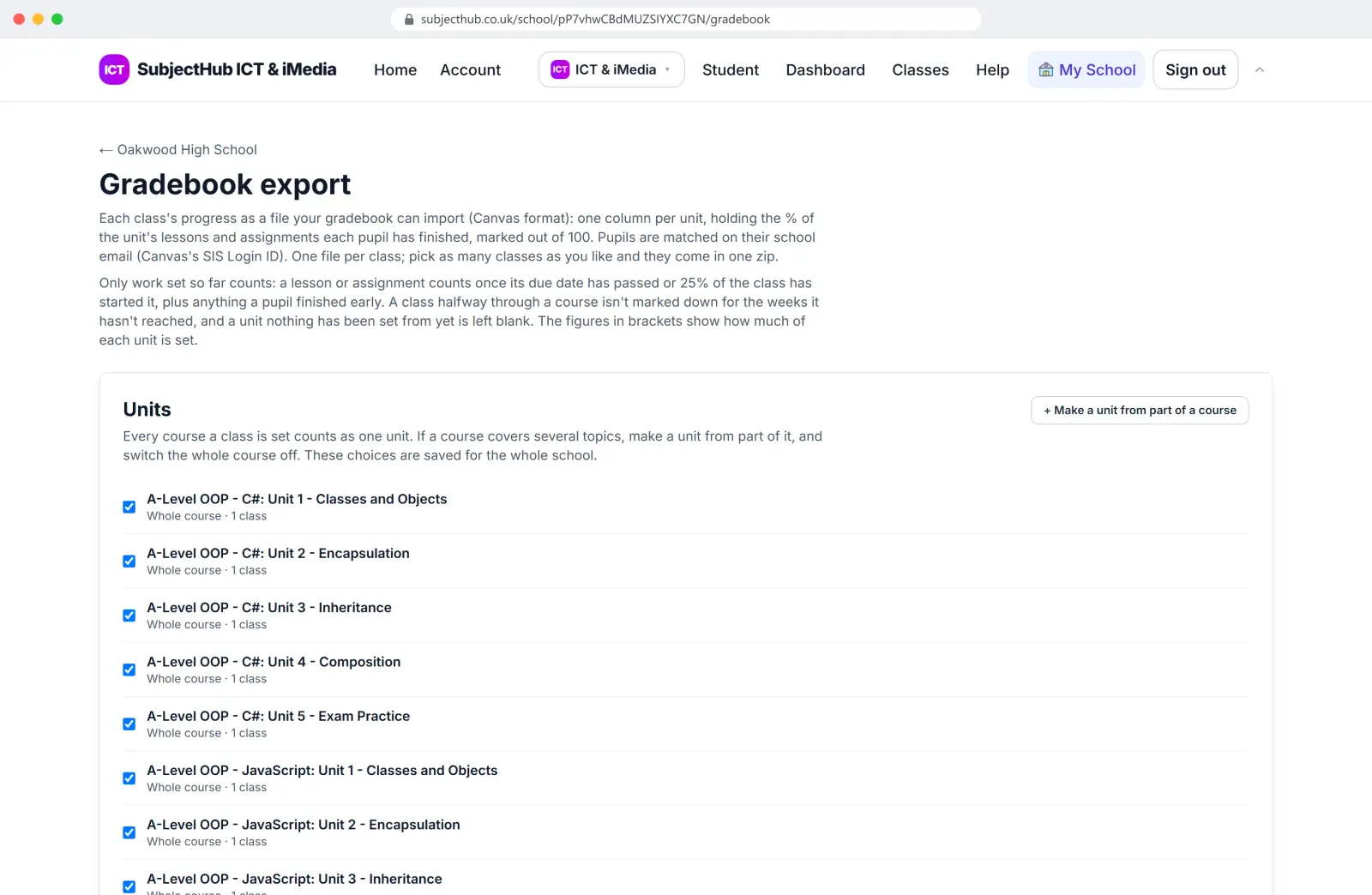
Set work from ready-made courses or build your own from the bank, seeing each question exactly as pupils will. Results arrive as pupils hand in. Open any answer, keep the mark or change it, write feedback once and print a sheet for every pupil.
- Test mode turns all help off for mocks.
- Python, C# and JavaScript editors that run in the browser.
- Class analytics show who is stuck and on which topic.
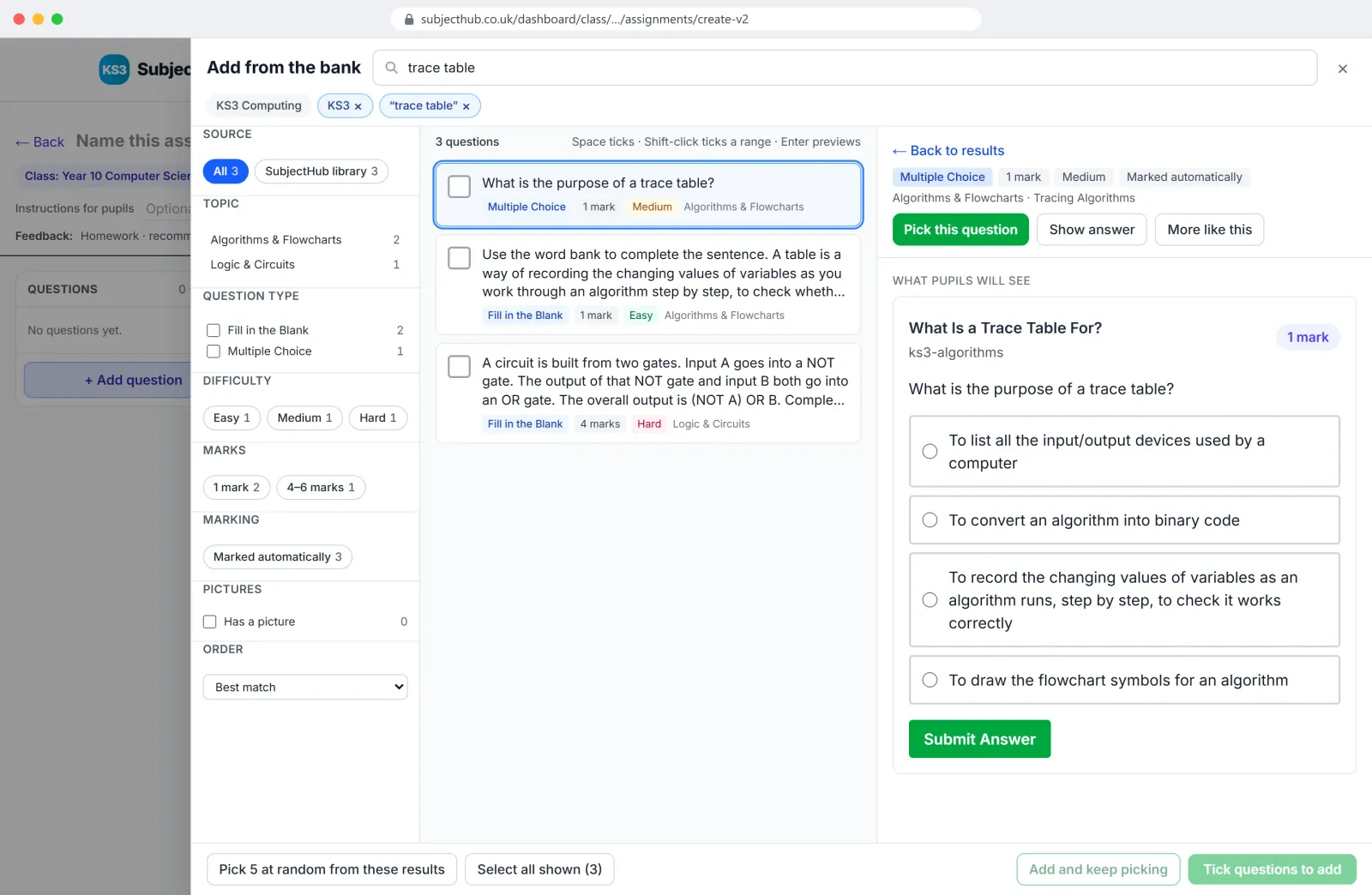
Build an assignment from the bank, previewing each question as pupils see it. 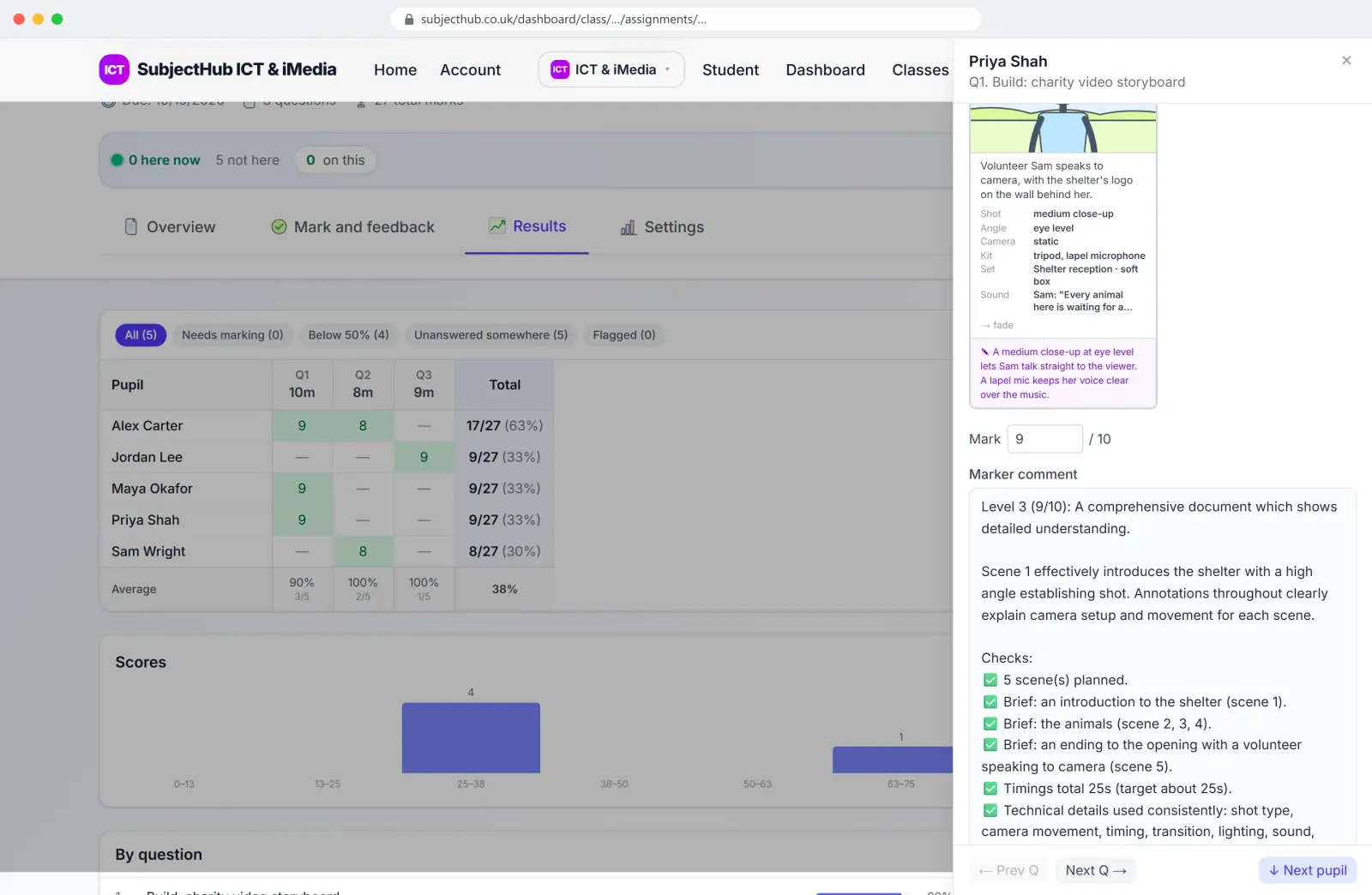
The AI marks it. The teacher has the last word. 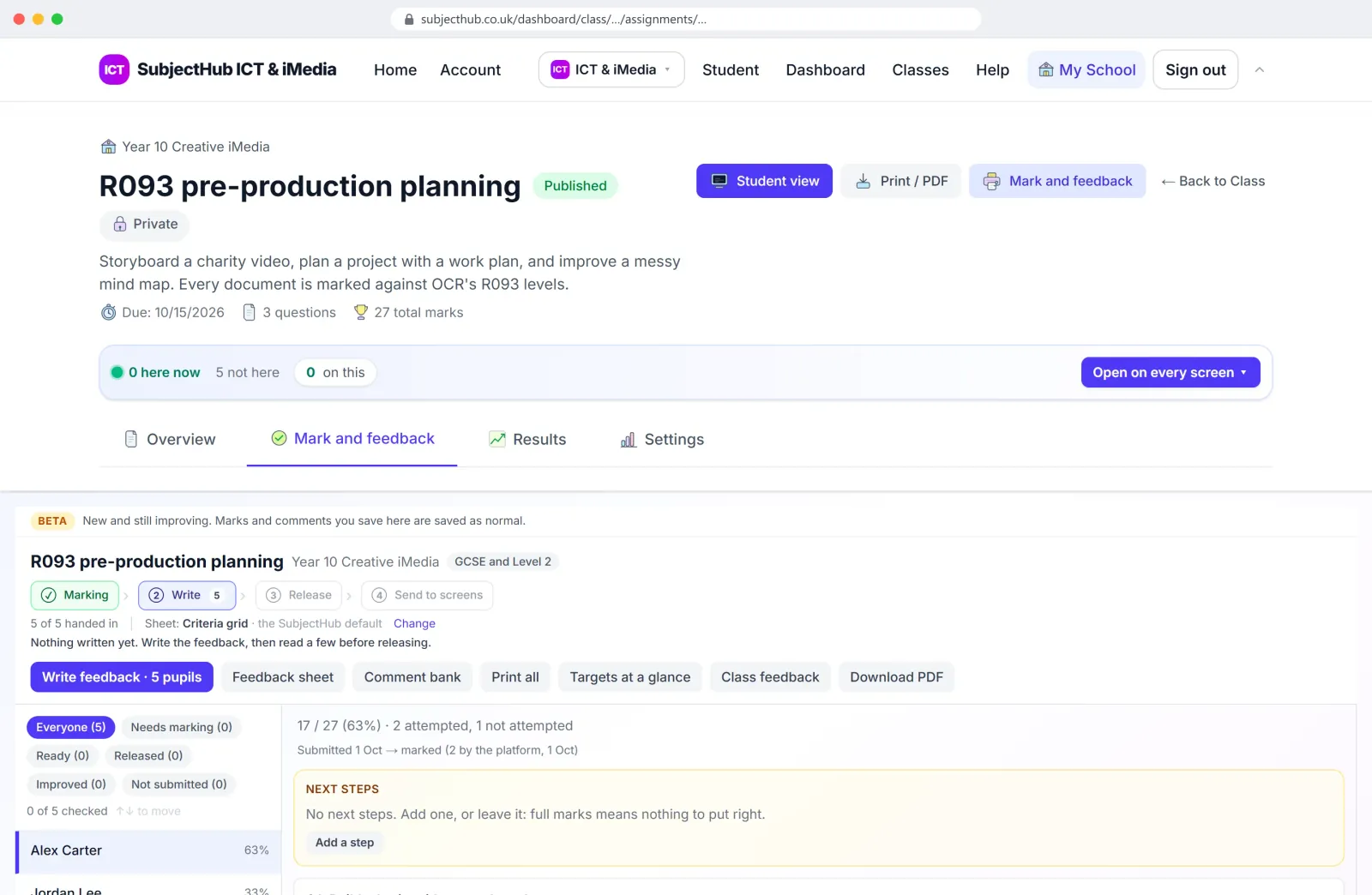
Write feedback once, print a sheet for every pupil. 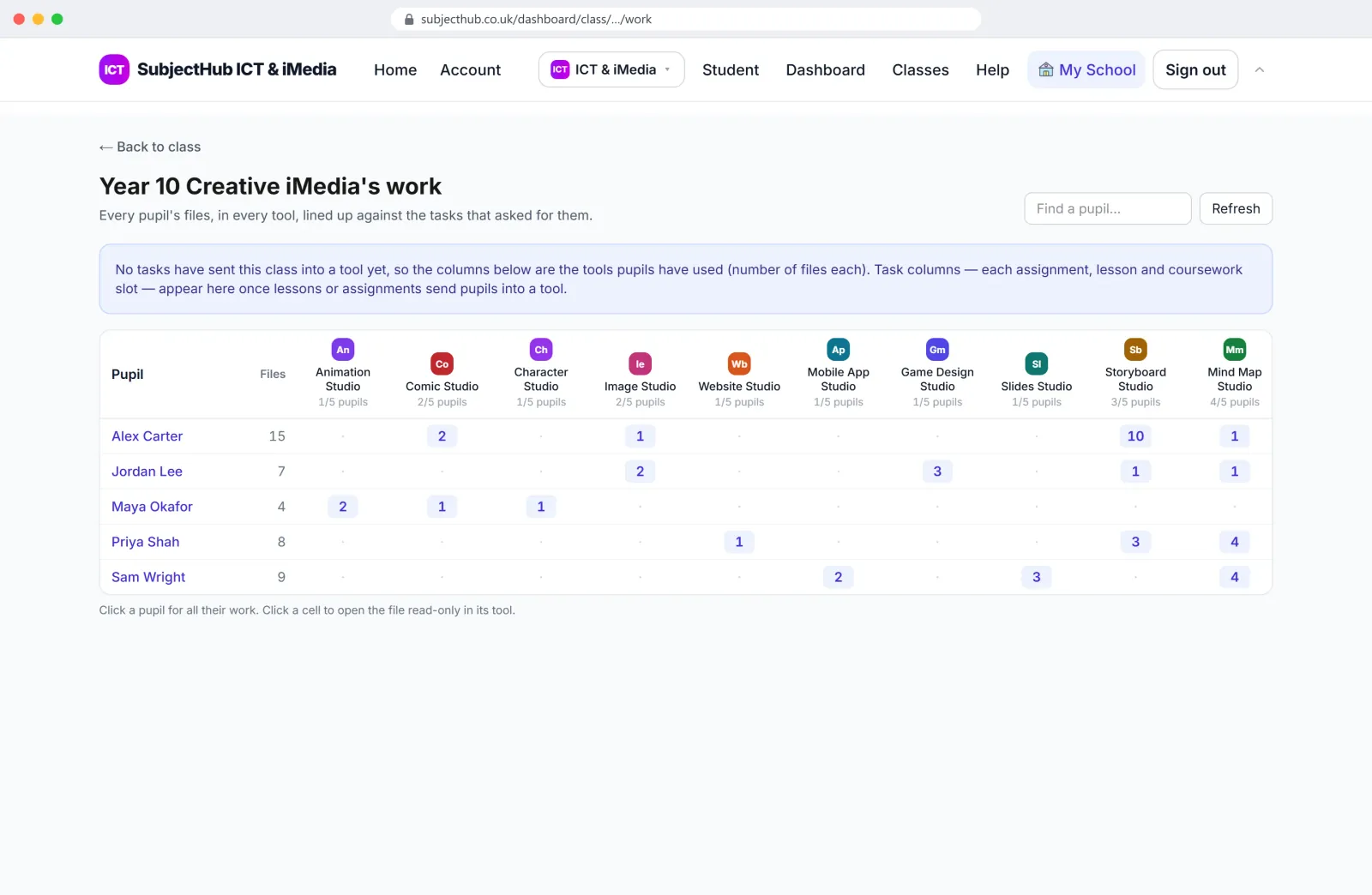
Everything a class has made, in every Studio.
Live games
Live games
Pick a topic, pick a game, and the class joins on their phones with a code. The questions are the same ones the course uses; the board does the drama. Twenty-one game modes, and nearly 900 ready-made sets. Free for teachers.
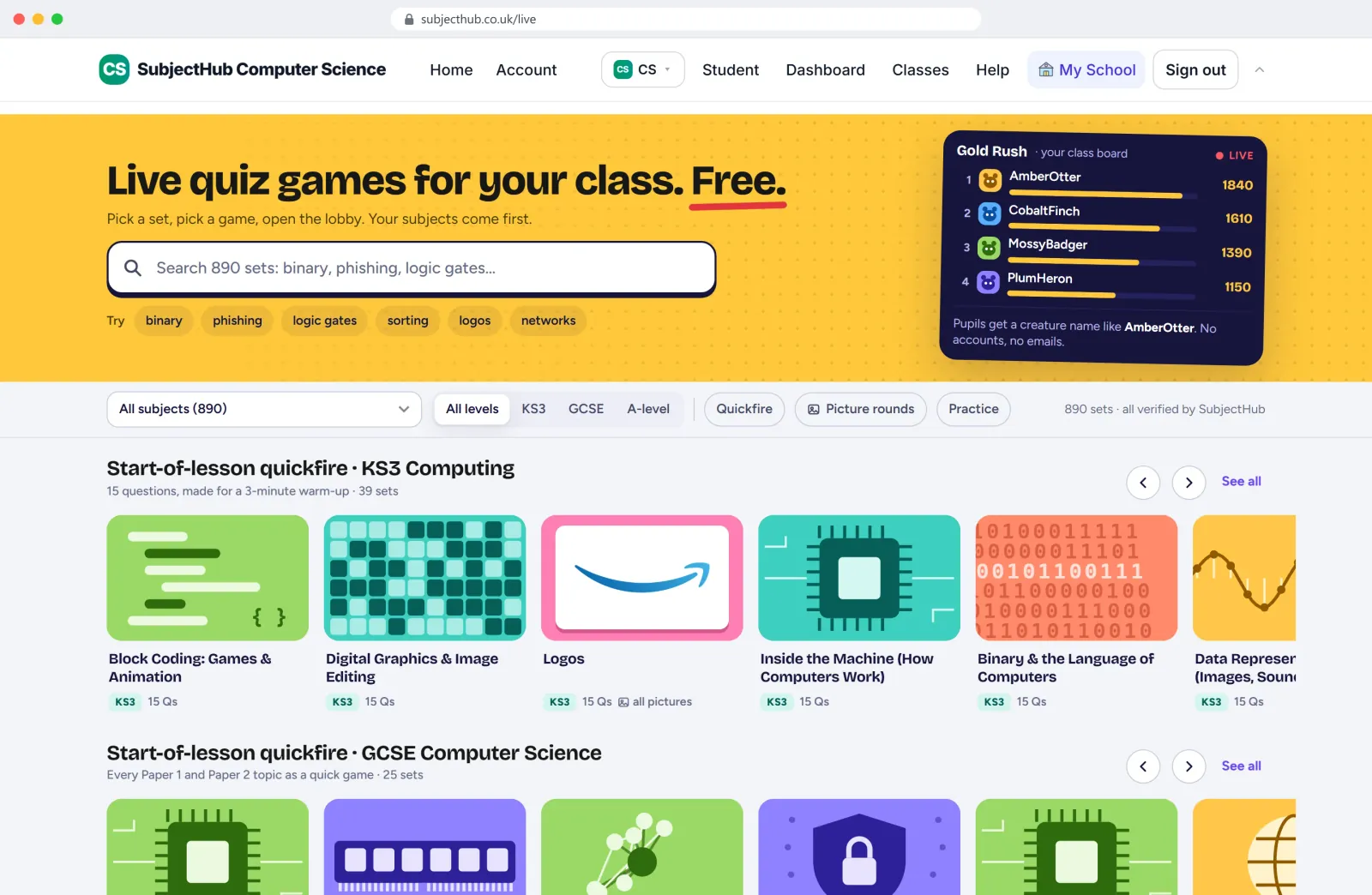
Prize Ladder: right answers open briefcases that lift pupils up the ladder towards £1 Million. Gold Rush: pupils race for gold, opening chests and stealing from each other. Big Catch: every right answer casts three bobbers; the board shows the catch of the day.
Price
- KS3 Computing is included with any package.
- Schools get a free 7-day trial, no card needed.
NoteGCSEPython is now part of SubjectHub. Existing GCSEPython schools keep their accounts.
Want something like this for your own subject or organisation? We built SubjectHub, so we can build yours.